"Fast approval is not rushed approval. It means a clear standard for what is truly ready."
In almost every software project, there is a moment when your approval is needed so the team can move forward with confidence: final UI decisions, flow validation, and release readiness.
The problem begins when approval becomes an endless loop: scattered comments, conflicting requests, and late scope changes.
This post gives a practical framework for business and client stakeholders to approve screens and flows objectively, without bureaucracy and without losing quality.
What you'll find here
- A simple approval process (short and controlled rounds)
- A per-screen checklist template
- A per-flow checklist for quick UAT
- Good vs bad feedback examples
- A method to centralize comments and avoid duplicate requests
- A clear way to define and record "OK to publish"
Why approvals become "infinite feedback"
Most cases happen for four reasons:
- No clear criteria: no one knows exactly what "approved" means.
- Scattered feedback: WhatsApp, email, calls, meetings, and random docs.
- No final owner: everyone comments, no one decides.
- Scope changes during validation: new ideas become mandatory at the last minute.
The solution is simple: one process, one source of truth, clear checklists, and explicit close-out.
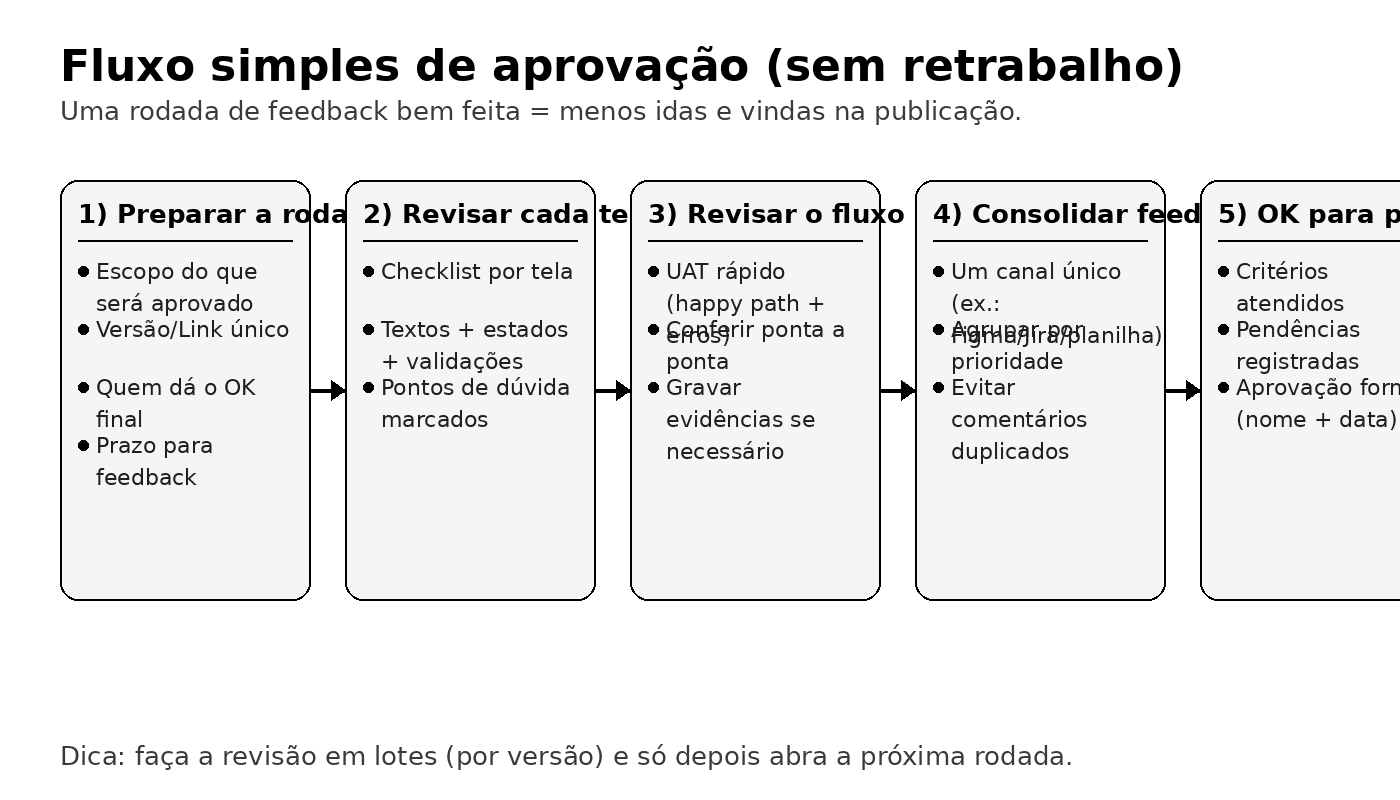
Practical method (5 steps)
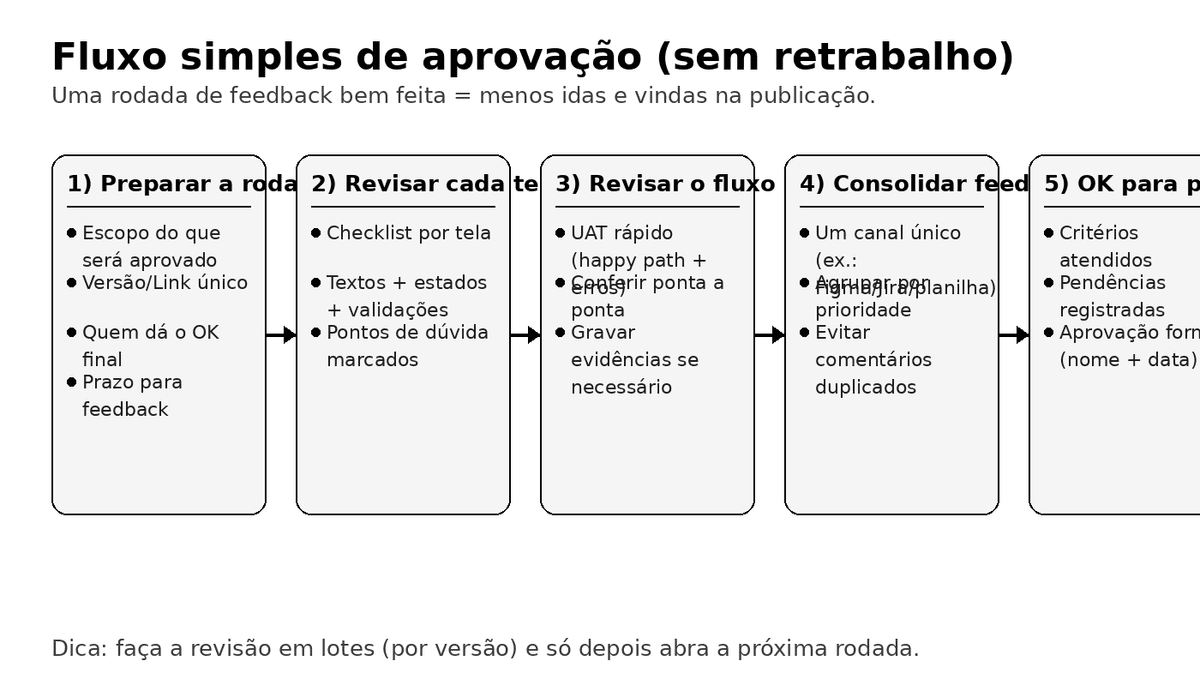
Step 1 - Prepare the review round (5 minutes that save days)
Before reviewing details, align these six points:
- What exactly is in scope for this round (batch scope).
- Which version/link is the source of truth.
- Who has the final approval decision.
- Feedback deadline.
- Rule for scope changes (fixes vs new ideas).
- Where all decisions and pending items will be recorded.
Step 2 - Validate each screen with a checklist
The checklist moves the conversation from personal preference to product quality.
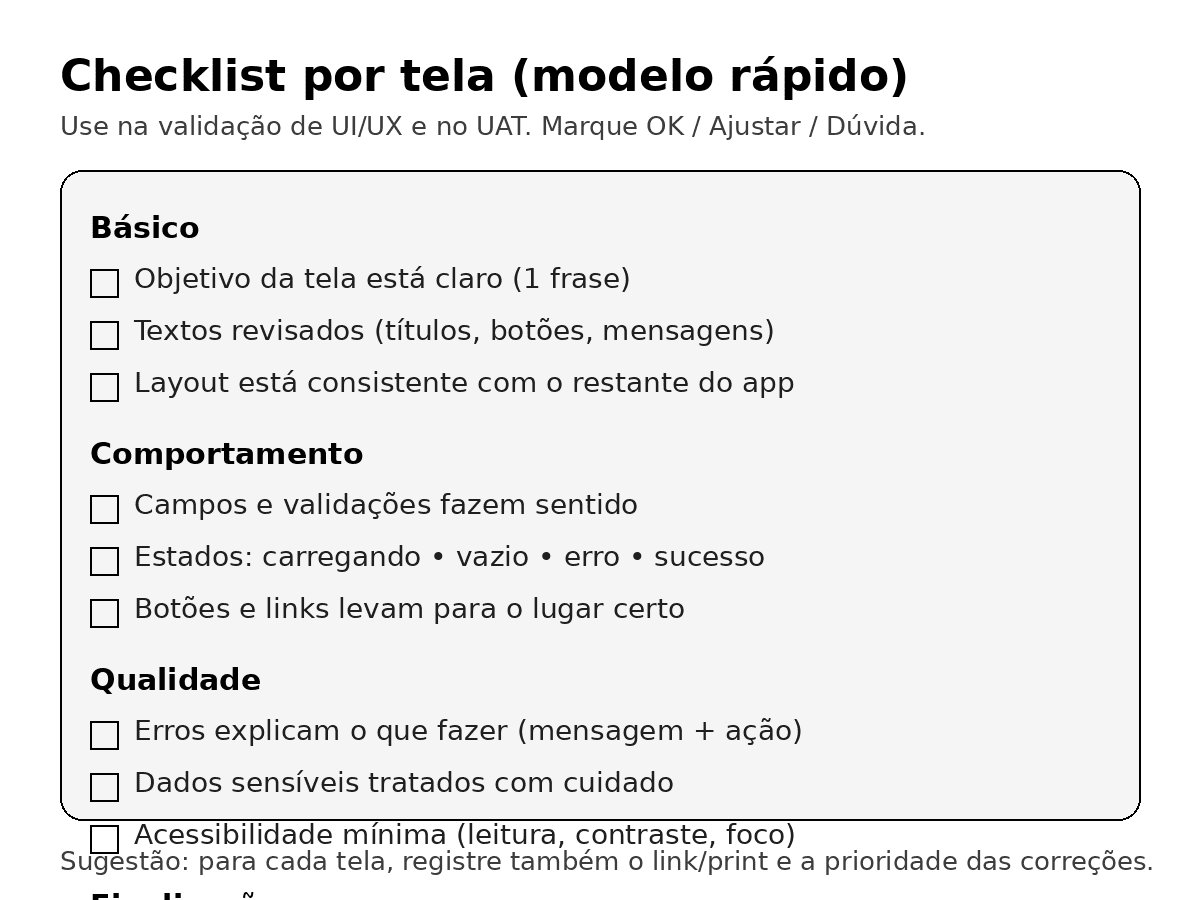
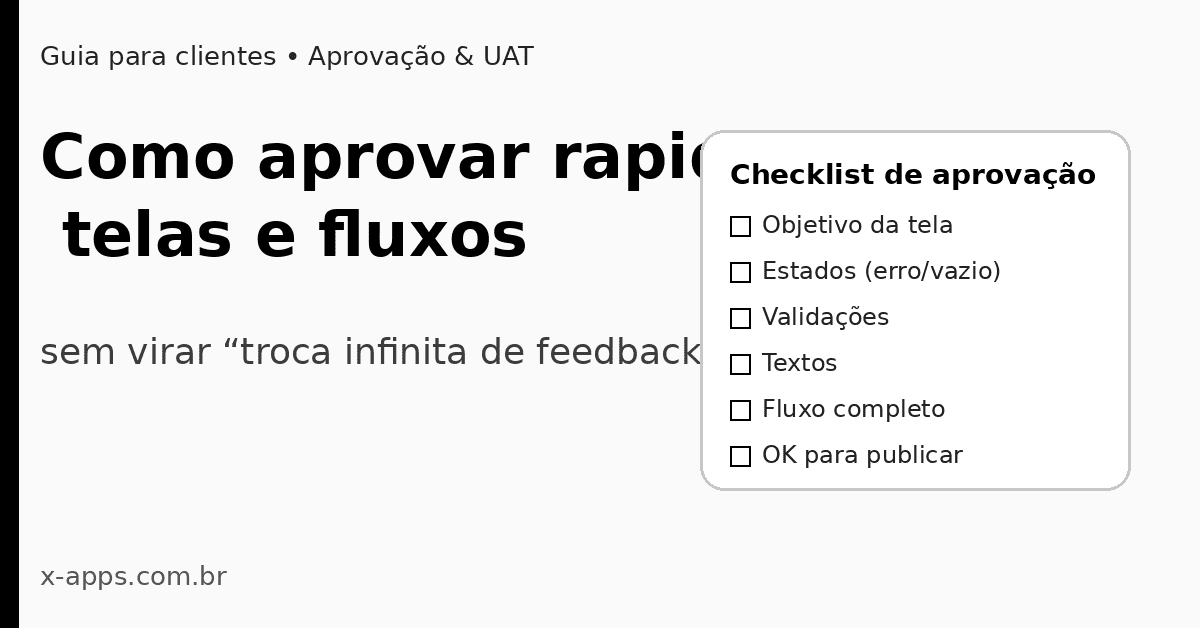
Per-screen checklist (copy and paste)
Basics
Behavior
Quality
Finalization
Step 3 - Validate the complete flow (quick UAT)
Do not approve isolated screens only. Validate the full user journey from entry point to expected result.
UAT (User Acceptance Testing) is exactly that: business/user validation before production.
Per-flow checklist (copy and paste)
Tip: test at least once on a real phone to evaluate readability, interaction, and perceived speed.
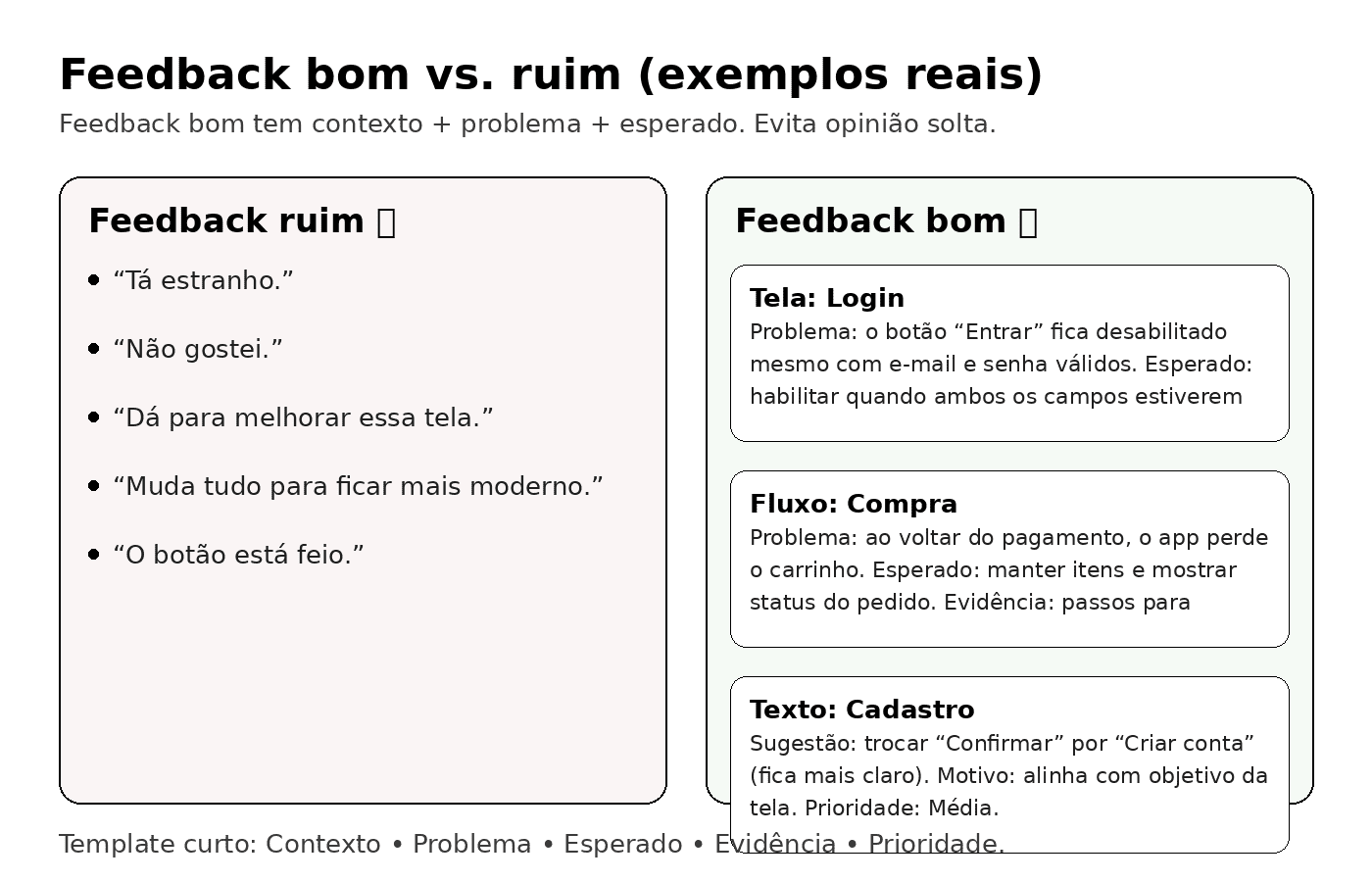
Step 4 - Give actionable feedback (not abstract opinions)
The best format is:
Context + problem + expected behavior + evidence + priority
Examples (bad vs good)
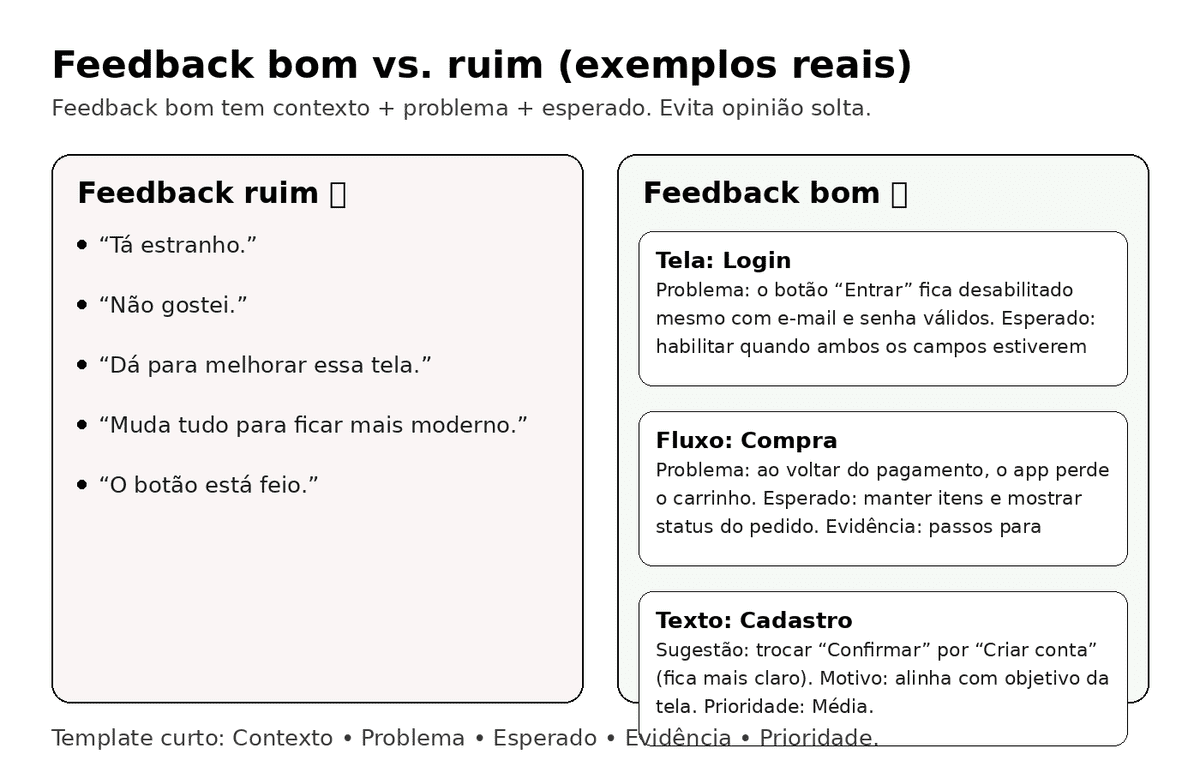
Bad feedback (not actionable)
- "This looks weird."
- "I don't like it."
- "Make it better."
- "Make it more modern."
Good feedback (actionable)
- "Screen: Login. Problem: Enter button stays disabled with valid inputs. Expected: enable when email and password are valid. Evidence: screenshot. Priority: High (blocks access)."
- "Flow: Checkout. Problem: cart is lost when returning from payment. Expected: preserve cart and show status. Evidence: steps to reproduce. Priority: High."
- "Screen: Signup. Suggestion: replace 'Confirm' with 'Create account' for clarity. Priority: Medium."
Feedback template (copy and paste)
- Screen/Flow:
- Context:
- Problem:
- Expected:
- Evidence:
- Priority: High / Medium / Low
Step 5 - Centralize comments and close the round
This is what reduces rework the most: one official place for feedback.
Rules:
- Use one primary channel (for example Figma comments).
- Convert each comment into a clear pending item.
- Resolve items one by one with status updates.
- Close the round with an explicit "OK to publish" note.
How to define "OK to publish"
"OK to publish" should be pass/fail and objective. It does not mean perfect; it means safe and ready for release.
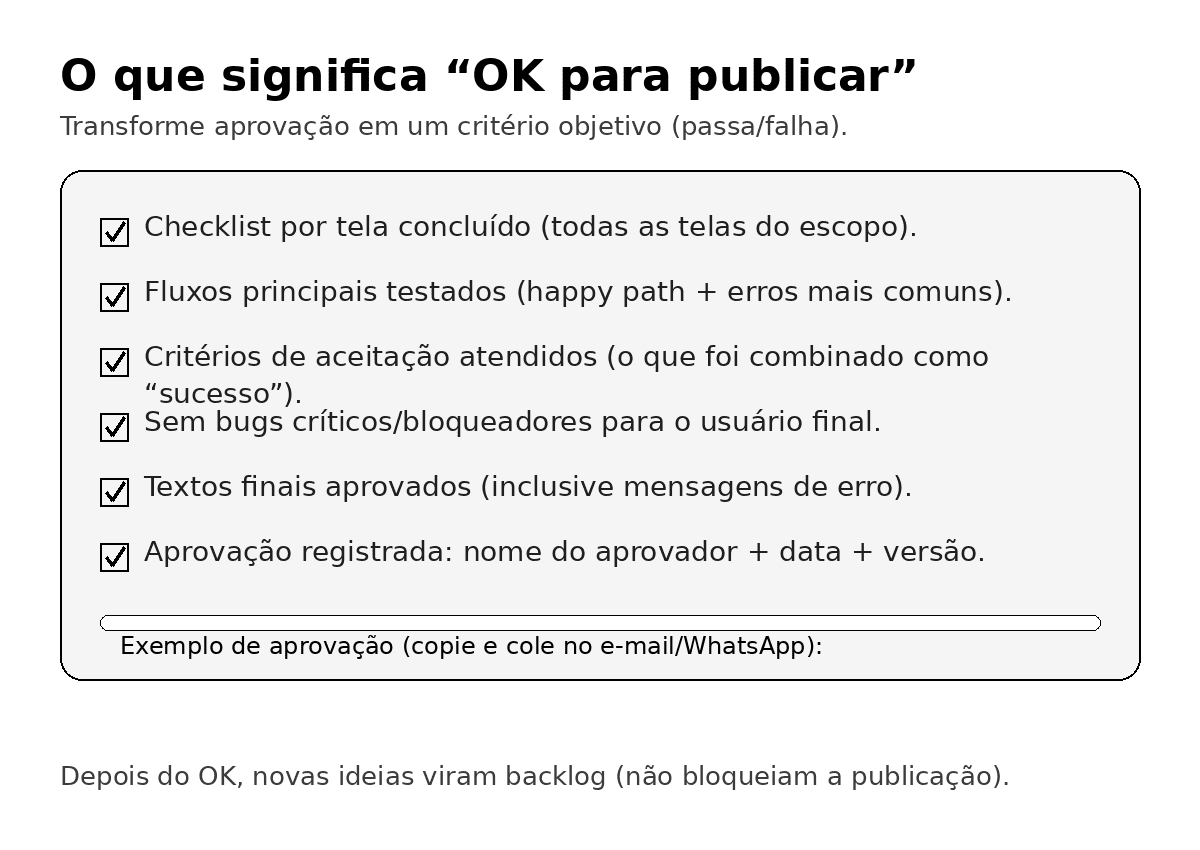
A simple "OK to publish" standard
Consider release-ready when:
- Per-screen checklist is complete for all scoped screens
- Core flows were tested (happy path + common errors)
- Acceptance criteria were met
- No critical/blocking bugs remain
- Final copy/text is approved
- Approval is recorded with approver name, date, and version
Approval message example (copy and paste)
"OK to publish - Version X (UAT completed).
Approved by: Name Surname - Role - DD/MM/YYYY."
How to avoid "infinite scope" while still improving
Classify feedback into three buckets:
- Fixes (bugs, broken flow, incorrect business rule) -> must be done before approval.
- Nice-to-have improvements (usability polish, visual refinements, microcopy) -> include if time allows.
- New ideas/features -> backlog; should not block release.
This protects delivery dates without ignoring product evolution.
30-45 minute approval script
- 5 min - Reconfirm objective and round scope.
- 15-20 min - Review screens with checklist.
- 10-15 min - Validate one or two end-to-end flows.
- 5 min - Prioritize pending items (High/Medium/Low).
- 2 min - Decide "OK to publish" or keep round open with explicit pending items.
Final checklist
Before ending a round, confirm:
When you apply this method consistently, approvals stop being a bottleneck and become a predictable product governance step.