Transpetro - Clearer inspections, faster decisions
The app that takes equipment inspection into the field, with photo evidence, history and reports ready before the inspector gets back to base.


Inspection that happens where the operation happens
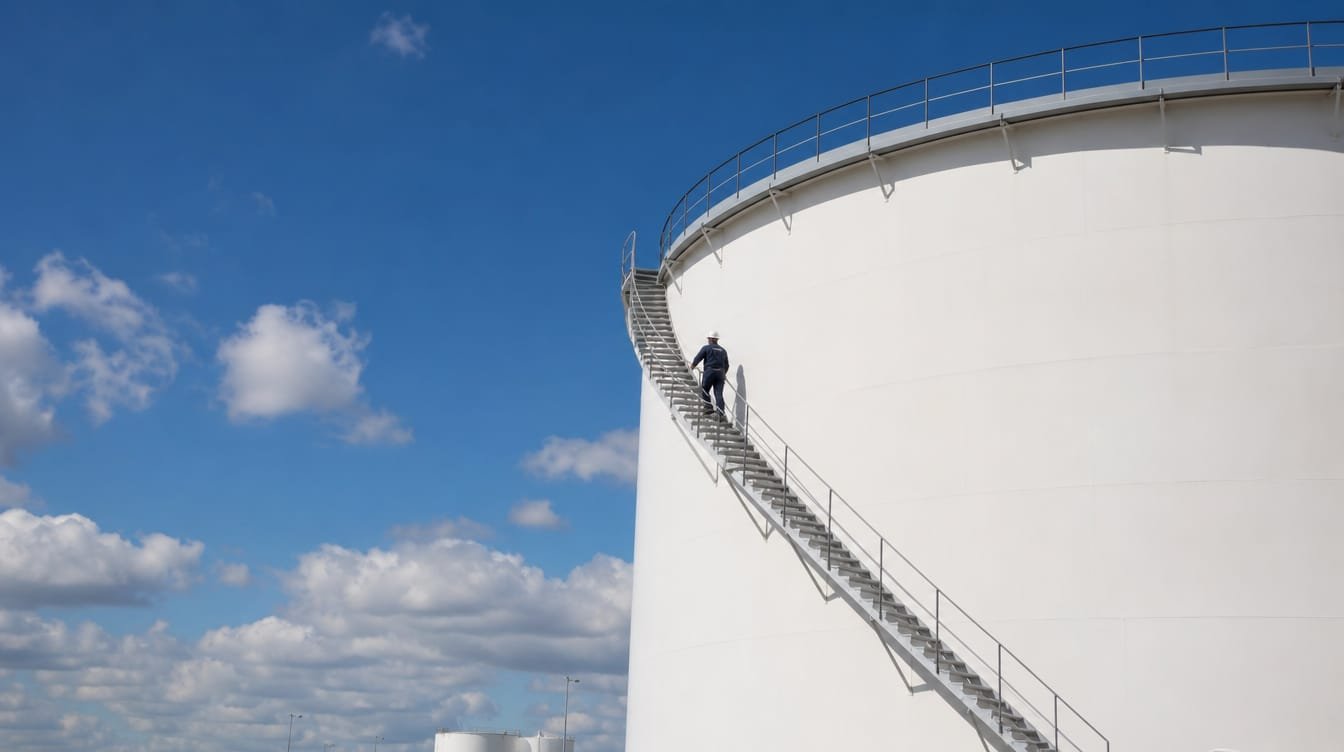
Terminals, tanks and pipelines do not fit on a clipboard. X-Apps built an app for Transpetro that puts the inspection routine in the inspector's hands and keeps the asset, the guided form, the photo evidence and the conclusion of the visit in the same record.
Digitizing the field without losing a single piece of evidence
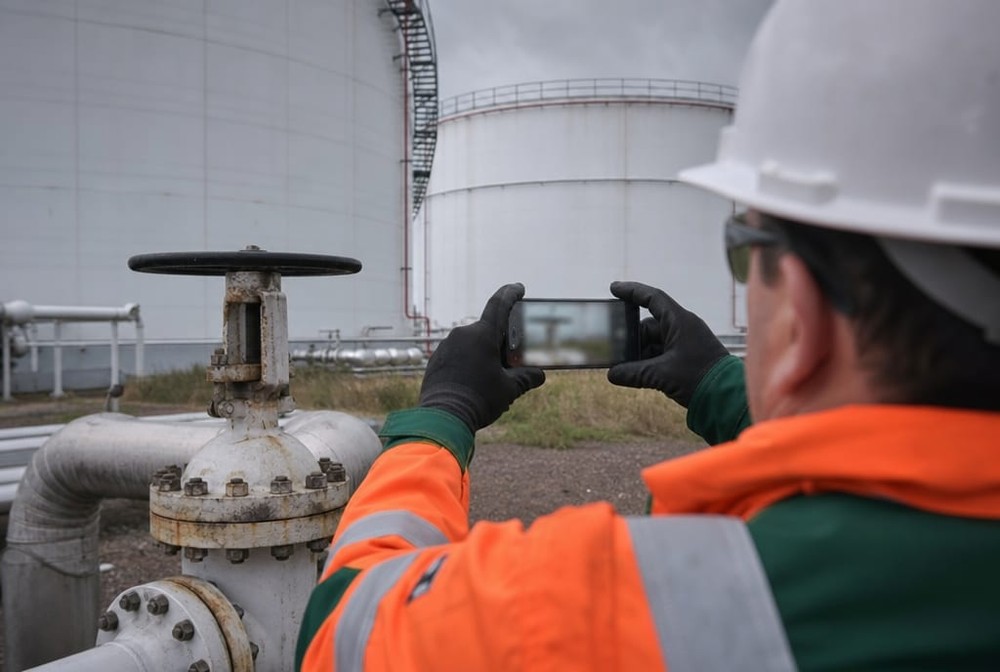
The challenge was to turn a demanding operational routine into a simple flow of recording, reviewing and completing, at the real pace of someone in the yard, far from the office.

The inspector understands the tool before going into the field
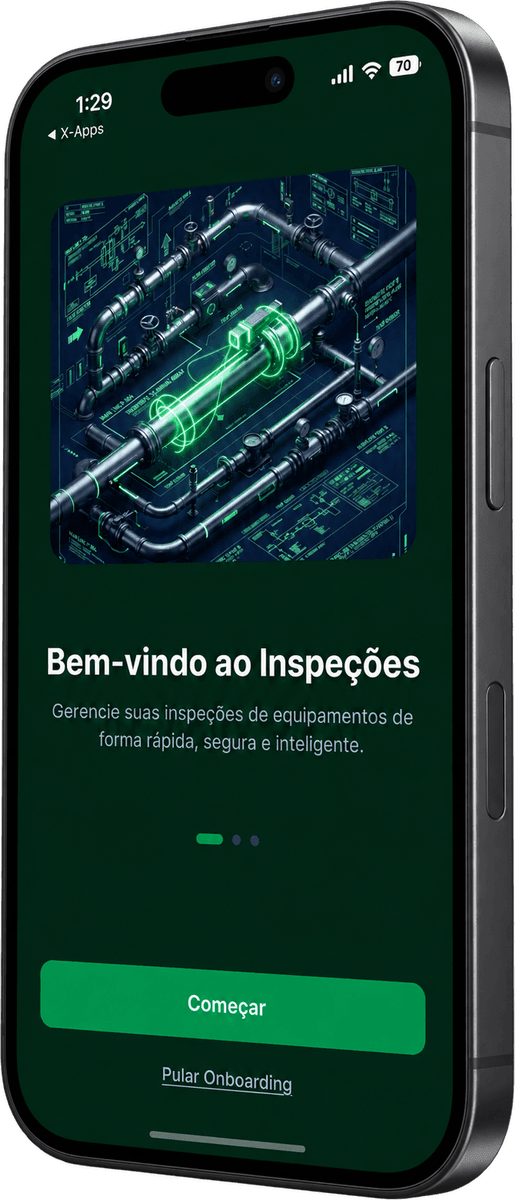
A short introduction shows that the app is there to manage equipment inspections and leads straight to getting started. Anyone who already knows it skips the introduction with one tap.
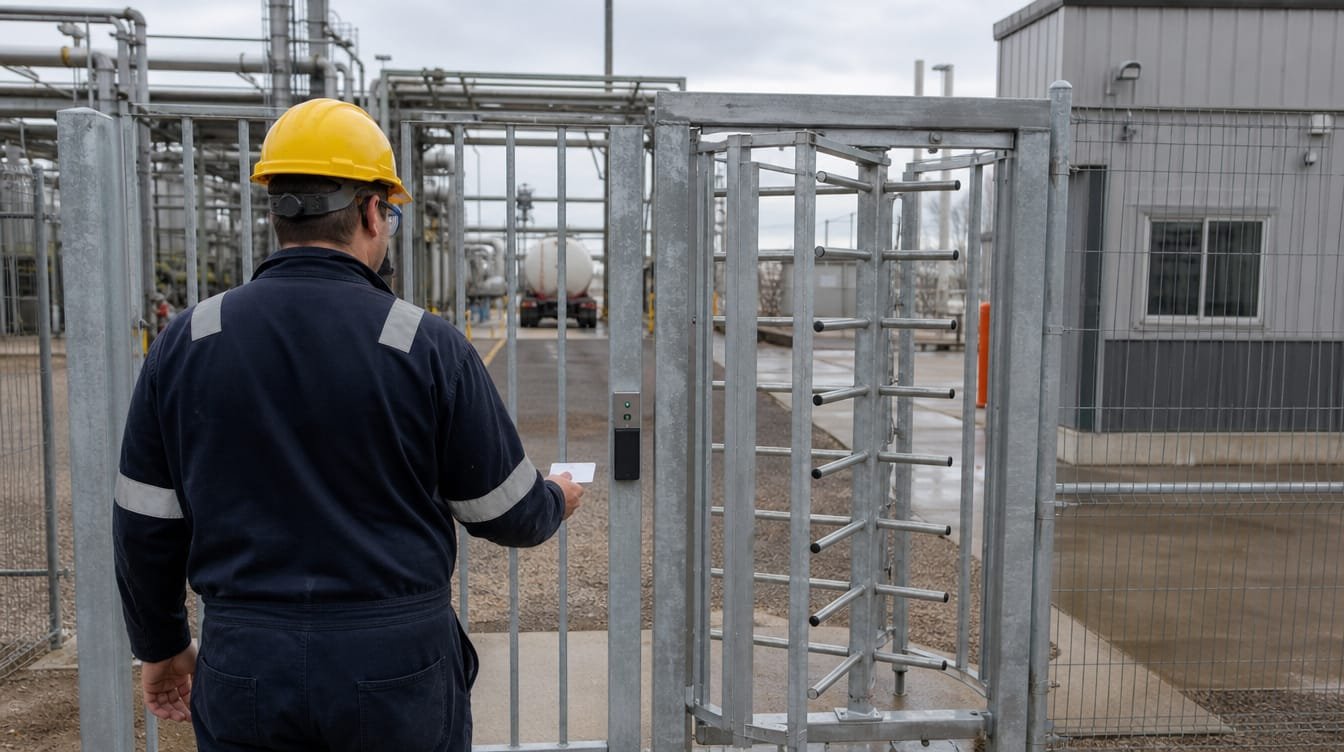


Direct access, by employee ID or biometrics
The inspector signs in with an employee ID and password, or with the phone's biometrics, with no friction at the start of the shift. The individual account is the basis for every record to carry who made it.


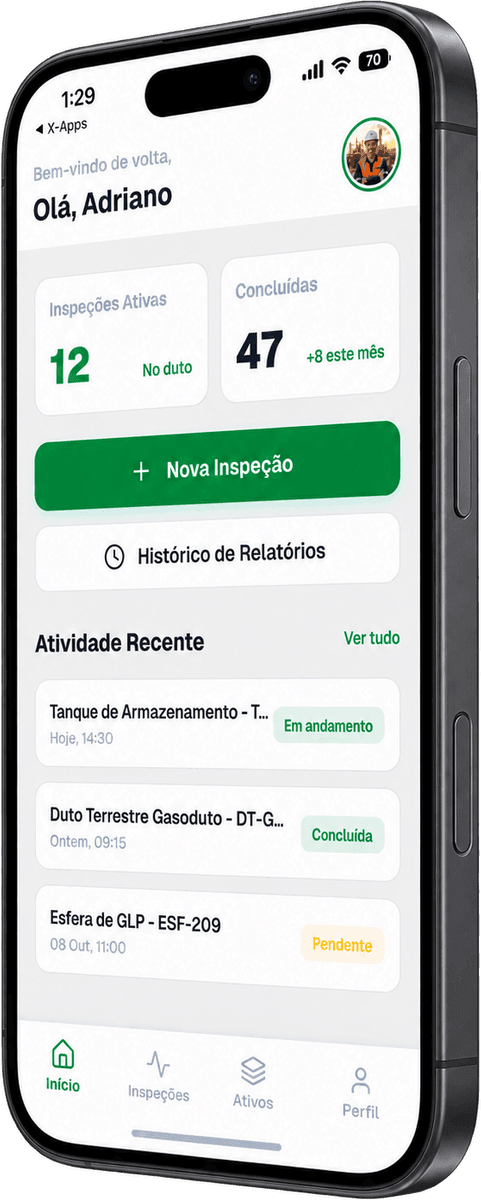
The shift starts with the work in view
The home screen shows how many inspections are active and how many are completed, the recent activity with the status of each one (in progress, completed or pending) and shortcuts to open a new inspection or check the report history.
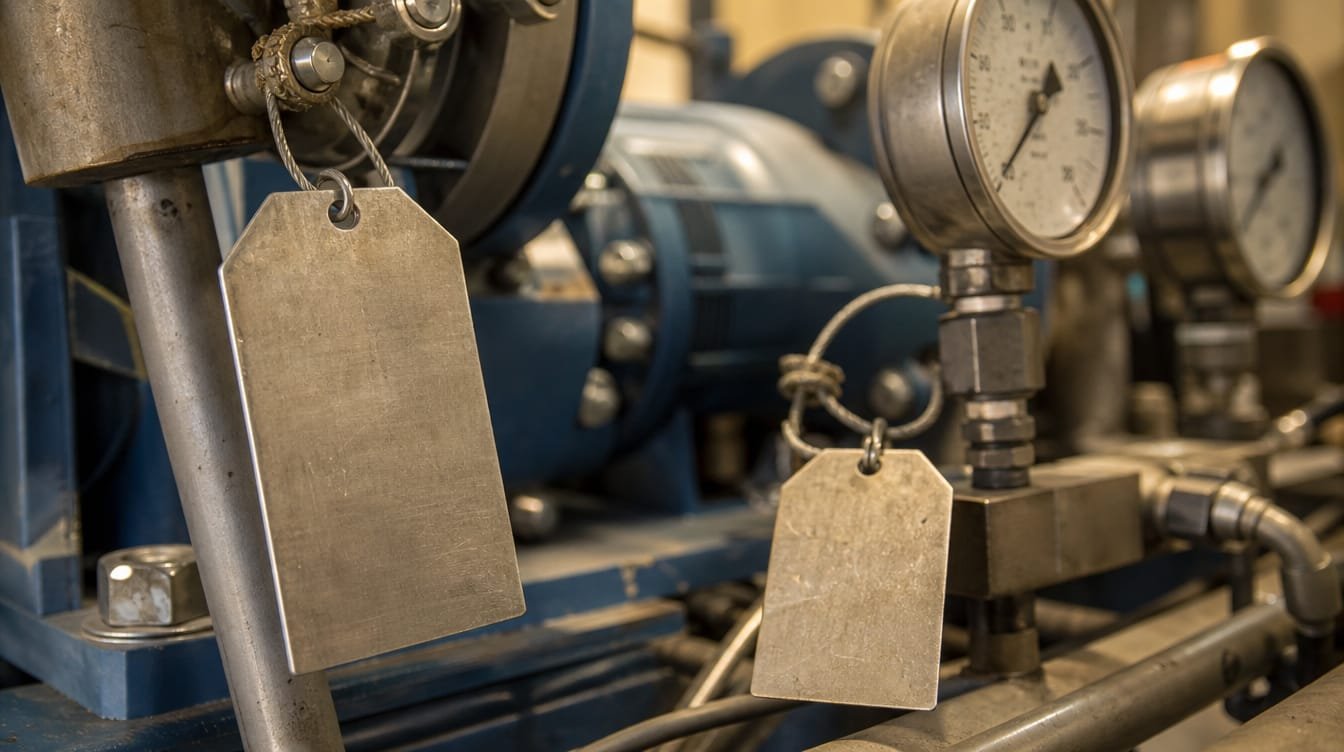

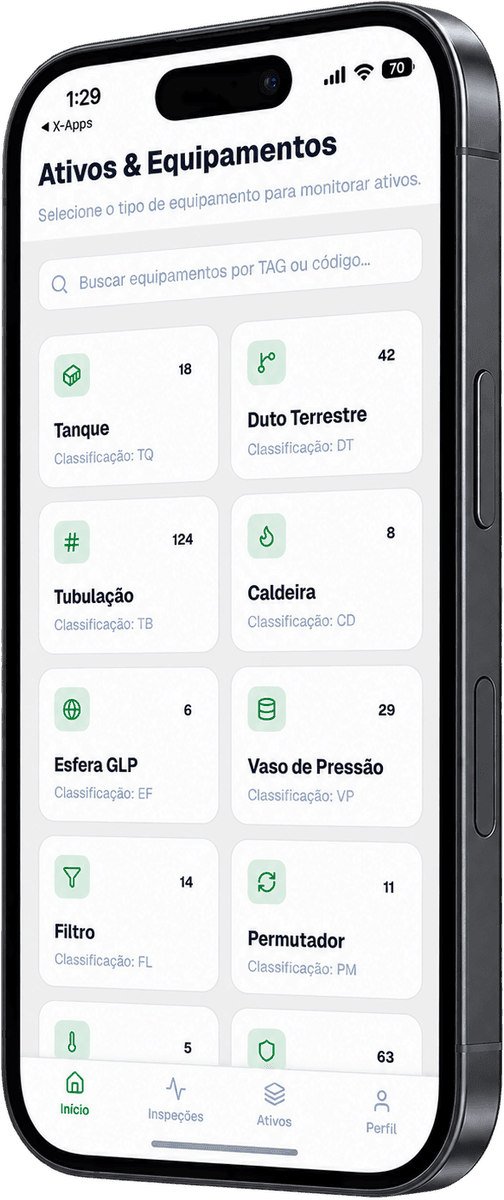
Starting with the right equipment
The assets area organizes equipment by type (tank, onshore pipeline, piping, boiler, LPG sphere, pressure vessel, filter, heat exchanger), with the count for each one and search by TAG or code. The inspector gets to the equipment to be inspected without scrolling through long lists.

An inspection born with context
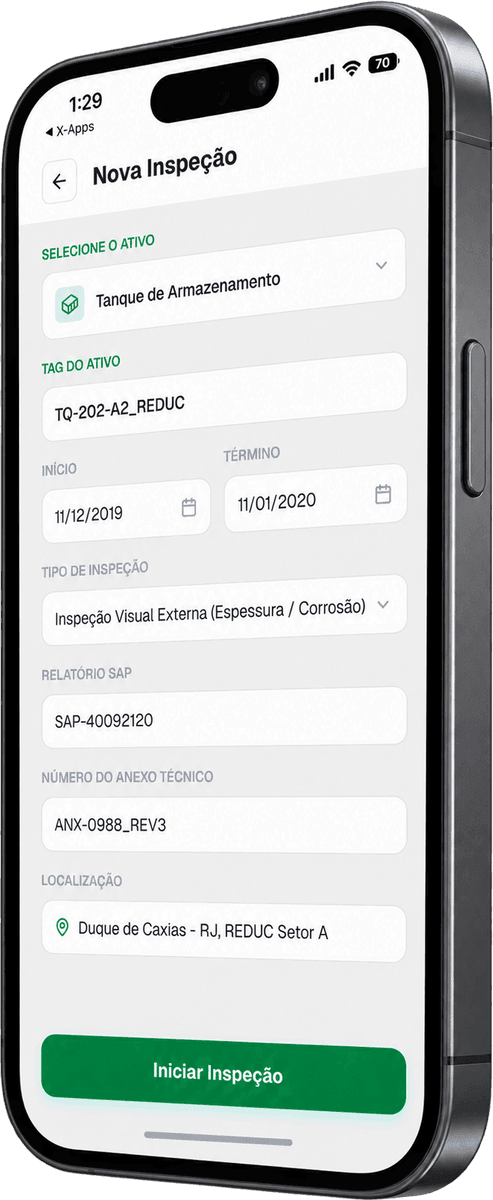
When opening a new inspection, the inspector selects the asset and fills in the TAG, the period, the inspection type, the report and technical annex numbers and the location. Everything that comes next stays tied to that starting point.


Every check has its place
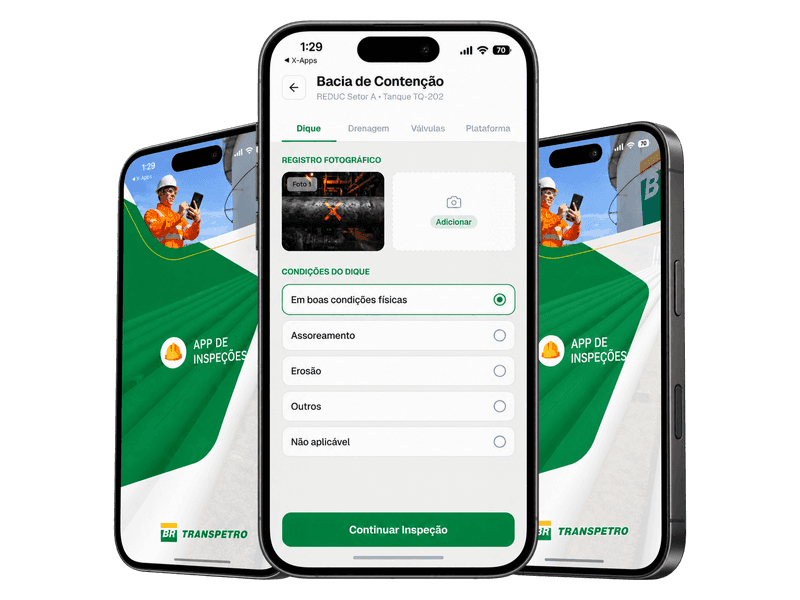
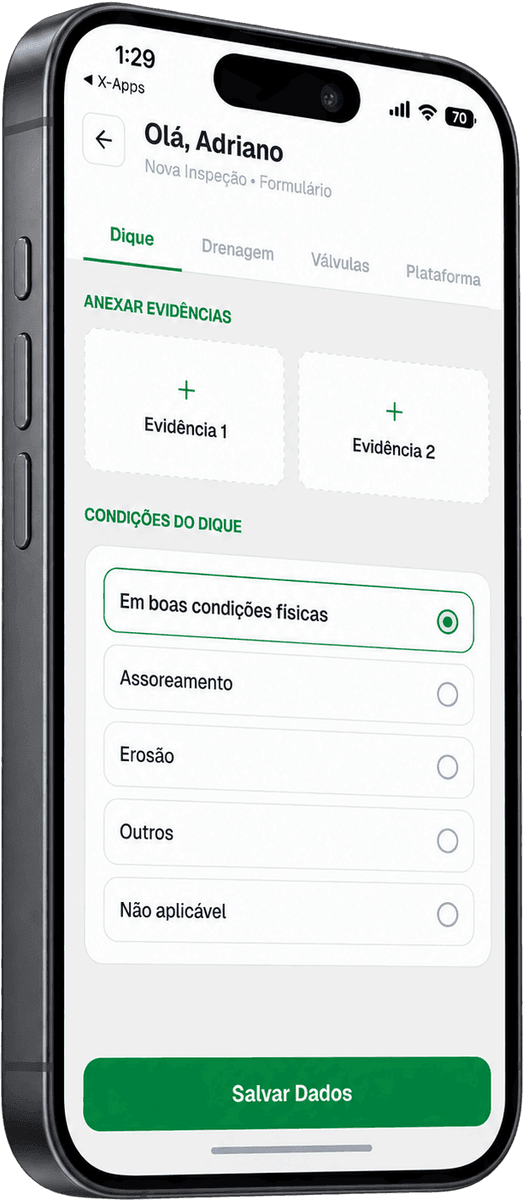
The form splits the inspection by area (dike, drainage, valves and platform) and presents the possible conditions as ready-made options, with room to attach evidence. Every inspector answers by the same standard.

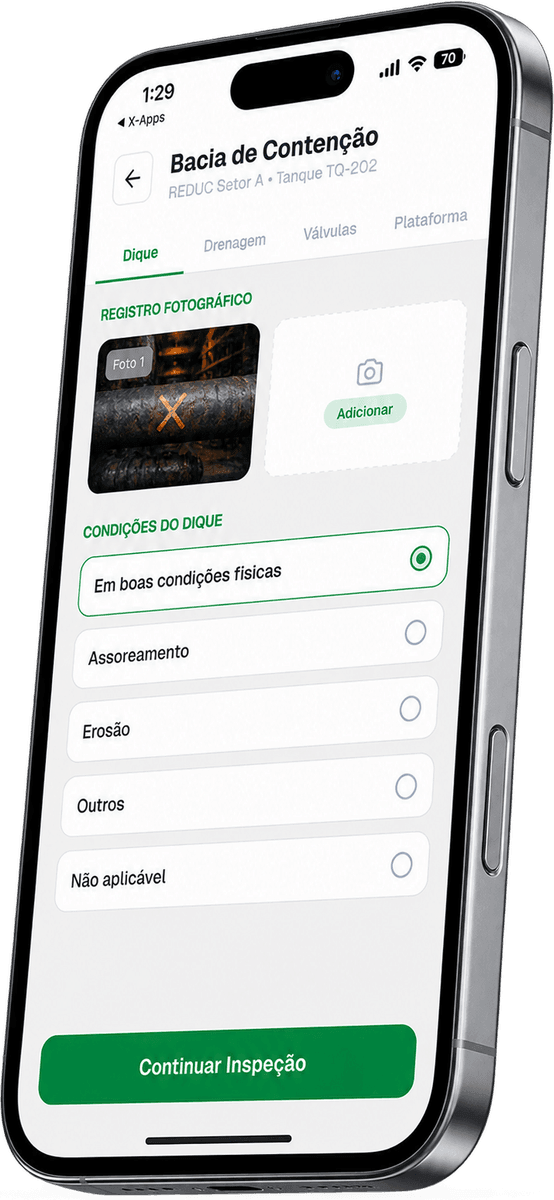
The photo goes into the item's own record
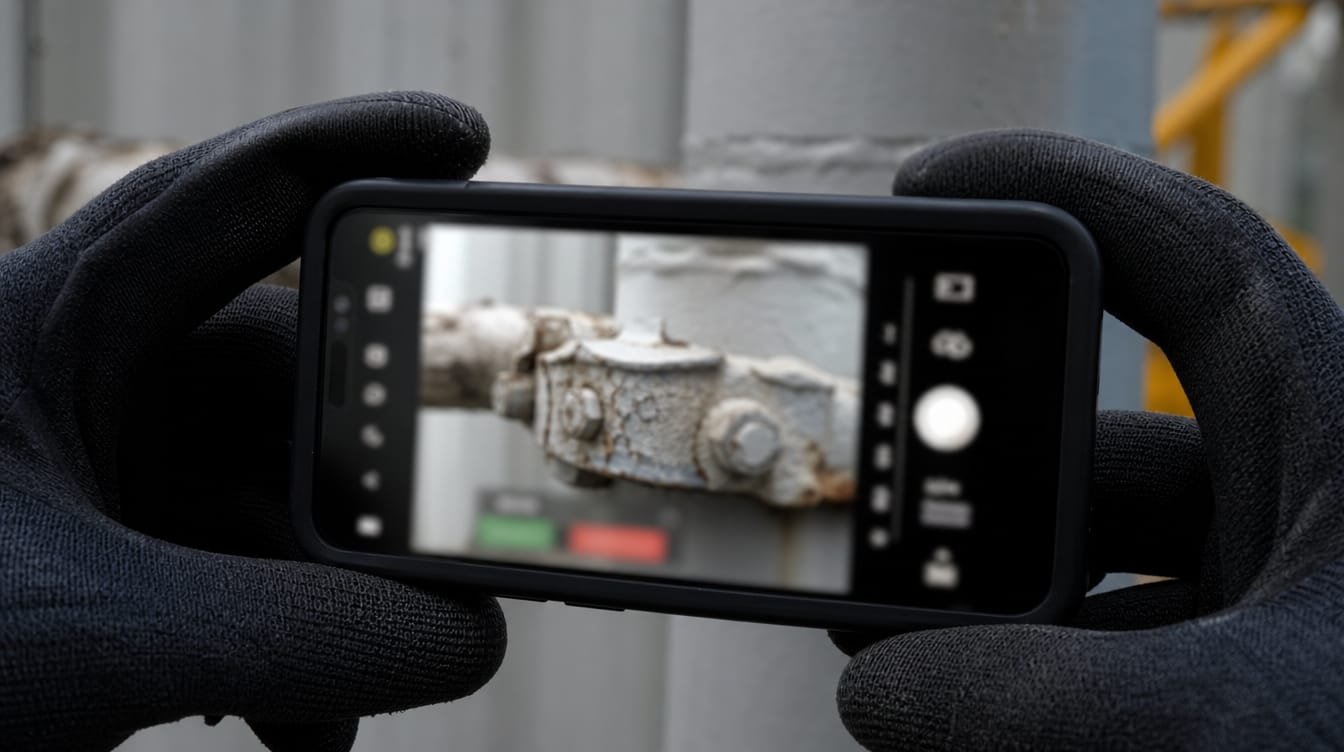
At the tank's containment basin, the photo sits in the photo record next to the condition marked for the dike. The evidence stays with the answer it refers to, instead of getting lost in the phone's gallery.


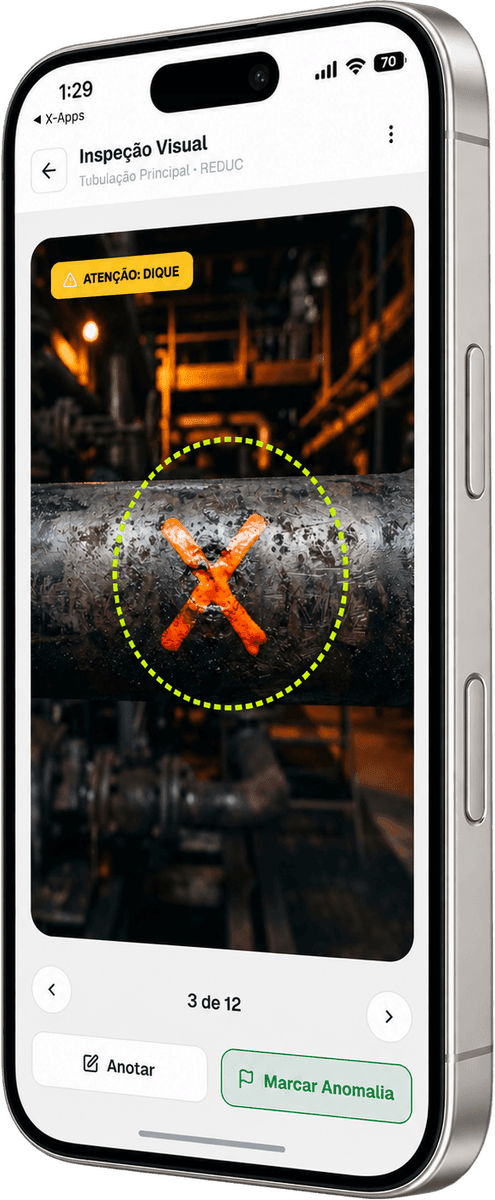
Observe, record, move on
The visual inspection goes through the equipment images one by one. When something looks wrong, the inspector adds a note on the spot or flags the anomaly right there, and the observation stays tied to the item being assessed.

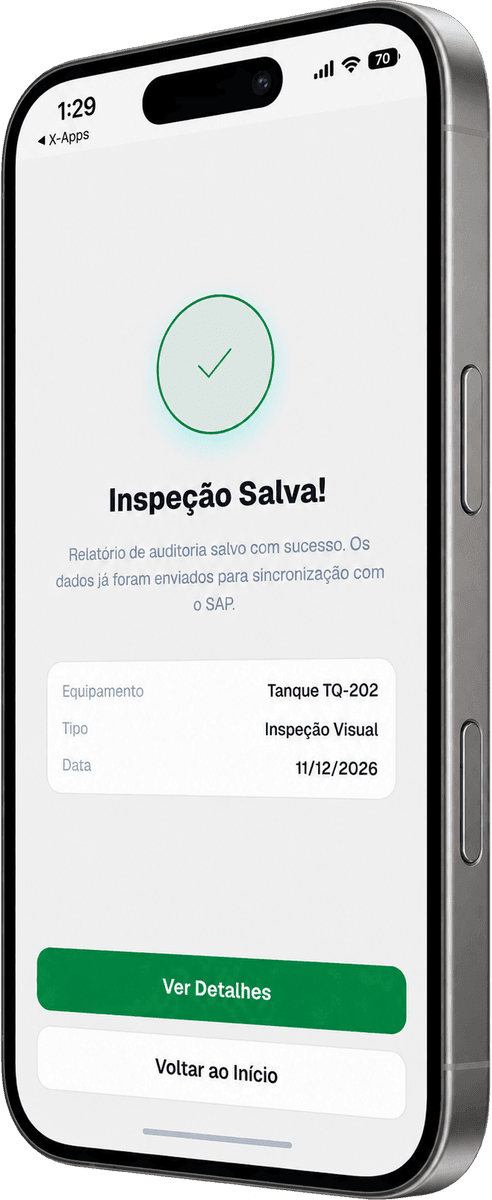
Inspection done, next asset
The confirmation summarizes the equipment, type and date of the inspection and says the report has been saved. The inspector knows the activity is closed and moves on to the next asset, or opens the details of what was just recorded.

Your field operation can work like this too
Inspection, maintenance, data collection: if your routine happens far from the office, X-Apps builds the app that goes along. Talk to us and tell us what you need to solve.