Índice do artigofaltam 11 min de leitura
The company turned on the official WhatsApp API to reply faster. Along with it, it bought a native form, a phone, a storefront and a campaign tracker, and it uses none of the four.
This article is not about stickers, status or broadcast lists. It is not about a chatbot that answers frequently asked questions either, which every operation has tried by now. The subject is what the official WhatsApp API started delivering while nobody was looking, and that most connected operations simply do not turn on.
The pattern repeats: the company spends months in Meta's verification process, connects the number, integrates customer service and stops there. The channel becomes a faster inbox. The capabilities that would change the sales operation stay off, and nobody knows they exist because they do not show up anywhere in the app.
What follows was researched in the public documentation of Zernio, an external Spanish company founded in 2025, with no ownership ties to X-Apps. It serves as a concrete case because it publishes its entire surface in open text. Many of the rules described belong to Meta, not the vendor, and apply to any official path.
Article summary
- The rule that governs everything is the 24-hour window. Outside it, only approved and paid templates go out, and free-form interactive messages, from buttons to catalogs, are session messages. Outside the window, forms and buttons only go out inside a template.
- Native forms inside the chat exist and come in eight ready-made categories, from lead capture to scheduling. Publishing is irreversible.
- Groups via API only work on a number without coexistence. If you want to keep the app on the phone, you decide this at connection time, not later.
- The bill arrives in two places: the vendor charges for the number, Meta charges for template delivery and, since October 1, 2026, for replies above a thousand messages per number per month, directly on the company's account. Meta requires a valid payment method on the WhatsApp account to charge for templates, business-initiated calls and service replies; without it, replies stop being delivered once the month's thousand free messages run out.
The 24-hour window governs everything that follows
Before any feature, this rule: the business can only talk freely with people who sent a message in the last 24 hours. Outside that window, the only way to reach someone is a template previously approved by Meta, which is paid per delivery.
This is not an implementation detail, it is what decides the entire commercial design. Whoever plans a WhatsApp operation without understanding this rule finds out in the first month that half of the sales script cannot be sent.
The practical consequence is a strategy reversal: instead of investing in reaching the dormant base, you invest in getting the customer to start the conversation. Until September 30, 2026, messages exchanged inside the window and utility templates sent within it carried no Meta fee. Since October 1, 2026, both are charged again. Service replies have one thousand free messages per business number per month, and Meta charges from the 1,001st delivered. Utility templates sent inside the window pay the utility rate from the first delivery, with no allowance. The remaining exception is the conversation opened by an ad that leads to WhatsApp, when the customer writes through the app on Android or iOS: if the business replies within the service window, that reply opens a free entry point window of up to 7 days, during which Meta does not charge for marketing, utility, authentication or service (Meta Business Agent messages are still charged). Whoever manages to open the window first can still do more, because they can talk without depending on an approved template.
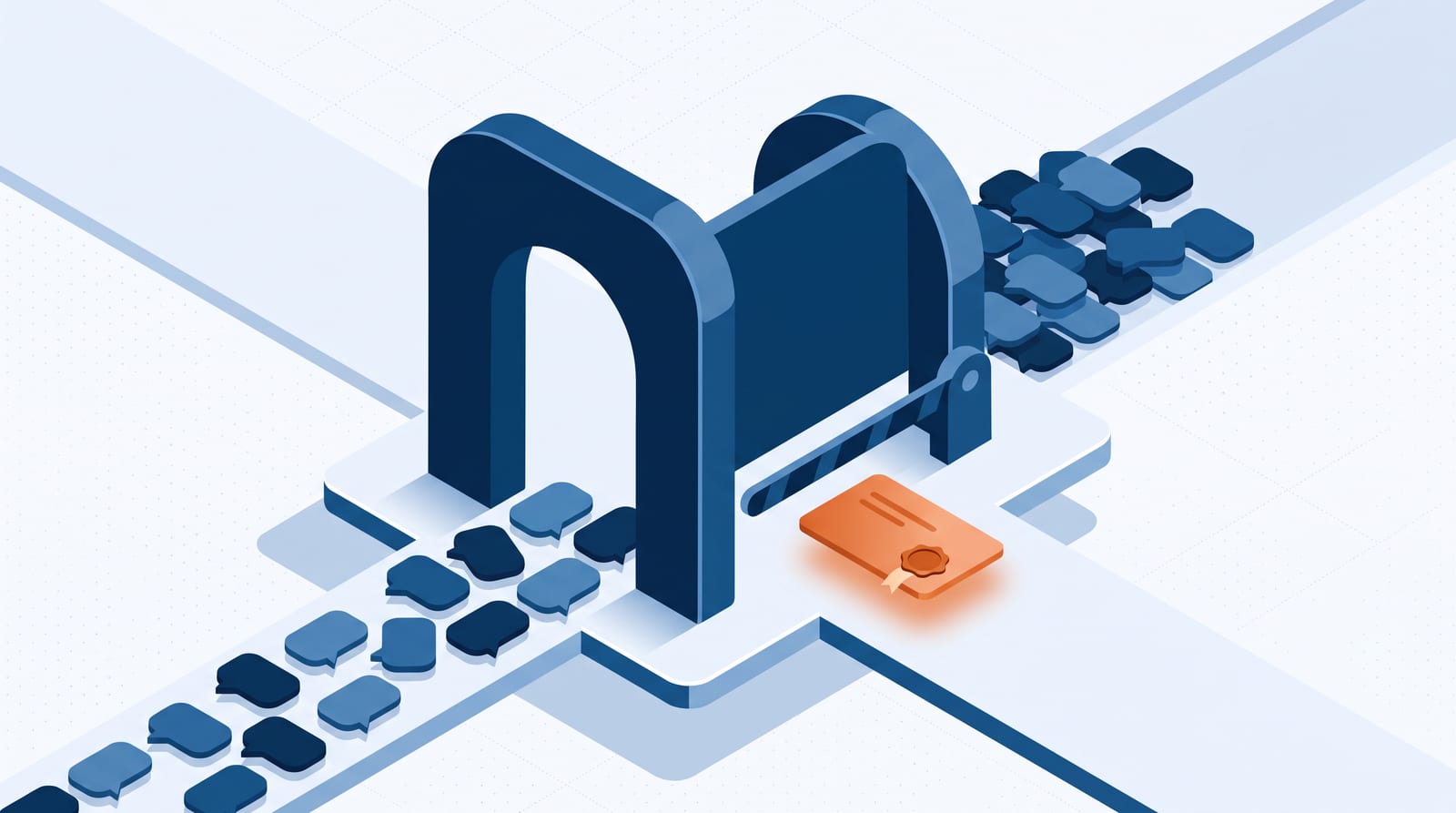
That is why the first WhatsApp project that pays off is rarely the bulk send one. It is the one that makes the customer write: the button on the website, the ad that opens a conversation, the tracking code that arrives by message.
Each of them opens the window, and inside it the operation is freer: service replies carry no Meta fee up to each number's thousand for the month, and in the window opened by an ad, Meta does not charge for marketing, utility, authentication or service messages for up to 7 days (Meta Business Agent is still charged).
A form inside the conversation, without taking the customer out of WhatsApp
This is the capability that most changes lead capture and that the fewest people use. Instead of sending the customer out of WhatsApp to open a link and type into a form nobody designed for mobile, the form opens inside the conversation itself, on a native screen.
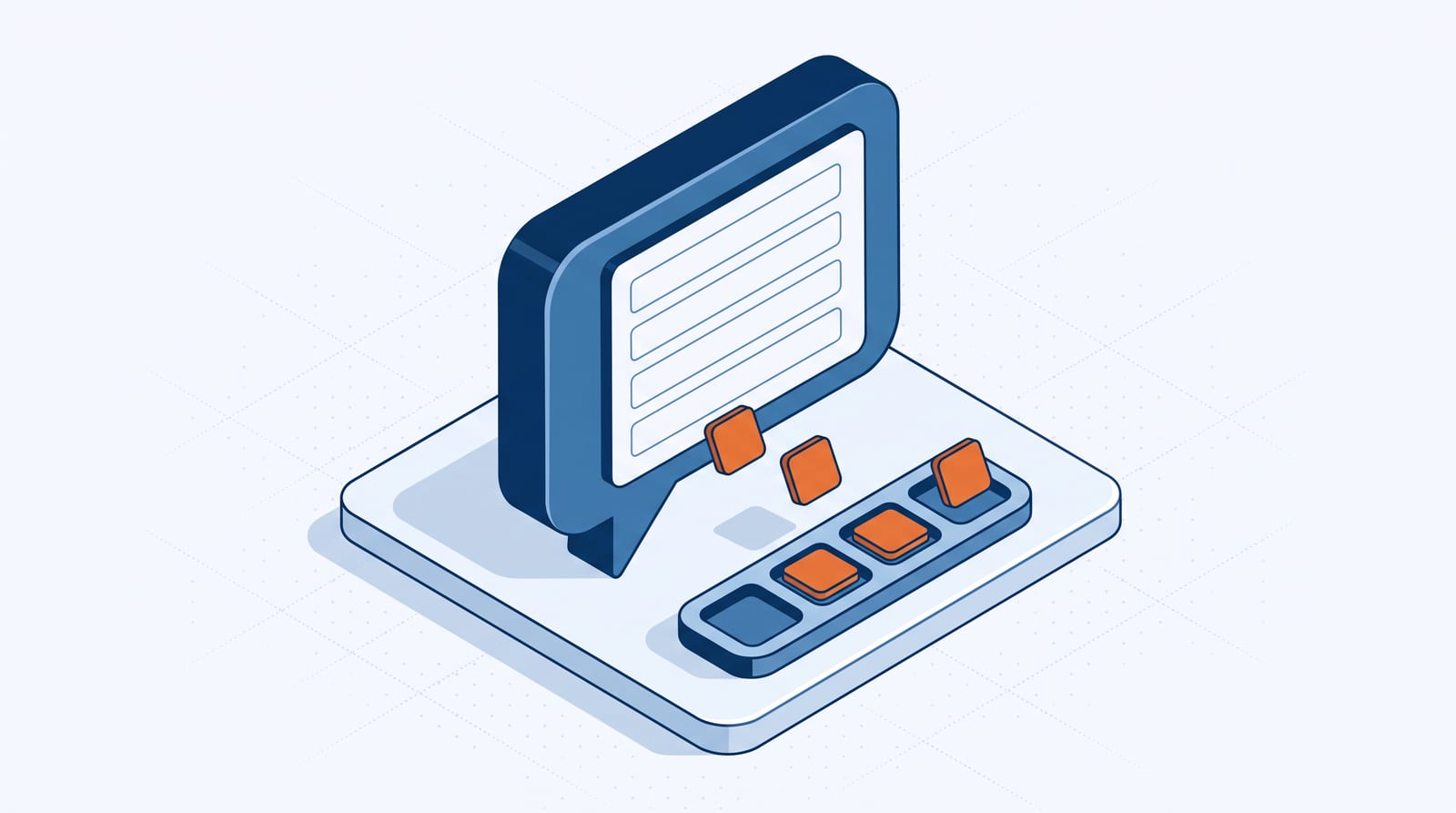
There are eight ready-made categories, and they reveal the scope: sign-up, sign-in, appointment booking, lead generation, contact us, customer support, survey and a generic one. The answers do not stay stuck in customer service: they come back structured field by field, ready for the CRM.
The gain is not aesthetic. It is the difference between a lead that arrives as loose text in the middle of a conversation, which someone has to read and transcribe, and a lead that arrives with name, company and budget in separate fields.
There is a project caveat that needs to go into the schedule and is usually discovered late: publishing a form is irreversible. Once published, neither the form nor its definition can be changed. To change a comma, you create a new version, which copies the published one into an editable draft. This means the approval cycle with whoever signs off on the text happens before it goes live, not after.
Selling inside the conversation: product, list and cart
You can send a product, a product list or the entire catalog inside the chat, and receive the assembled cart back. What holds this feature back is not the API, it is an administrative prerequisite that is almost always missing.
| Message type | What it shows | Prerequisite |
|---|---|---|
| Product | One item, with the card WhatsApp itself draws | Meta catalog connected to the account in Commerce Manager |
| Product list | Several items in one message, with a mandatory text header | Meta catalog connected |
| Catalog | The whole storefront | Meta catalog connected |
| Product carousel | Swipeable cards of catalog items | Meta catalog connected |
| Media carousel | Image or video cards | No catalog |
| Buttons | Up to three quick replies | None |
Interactive message requirements at docs.zernio.com, researched on September 1, 2026.
The takeaway for the project is short: the Commerce Manager catalog is the most forgotten dependency in any WhatsApp sales project. It is not created by the integration, it is a setting of the business account that someone on the client side needs to configure, and it blocks four of the six types above.
The business calls the customer, from inside the conversation
WhatsApp voice calls work in both directions, and the difference between receiving and calling is big enough to become a project decision.
Receiving is free. Calling out has a cost on two ends and depends on permission from the other side: there is a query that returns that customer's permission status and the available actions, such as starting the call or asking for consent first. The documentation itself recommends checking this before dialing, not finding out from a refusal.
Two commercial facts matter more than the rest. The first: Meta blocks business-initiated calls from business numbers in five countries, the United States, Canada, Egypt, Vietnam and Nigeria, and Brazil is not on that list. Receiving still works in all of them. The second is an instrumentation detail that changes the sales yardstick: an unanswered call is not a failed call. Busy, declined and unanswered end through the normal path, with the reason for termination, while failure is reserved for hard errors. Whoever counts "failed calls" without separating these cases measures the team's productivity wrong.
Groups run by the system, and the choice that blocks it
Groups created, administered and moderated by the company's system are possible: a group per construction site, per class, per order, per residential building, with an invite link that can require approval and be replaced when it leaks.
If you want both, the answer is a second number dedicated only to the group operation. Nobody requires this, it is the practical consequence of wanting to keep the phone and have groups at the same time.
Bulk sends are templates, and templates go into a queue
An outbound campaign is not a message: it is an approved template, with per-person variables resolved at send time. And it runs into two things that need to go into the commercial promise before a date is set.
The first is approval. Meta reviews templates within 24 hours, and only approved ones can be sent. There is a legitimate shortcut: Meta's library of pre-approved templates, which skips the review wait. There is also a webhook that reports the verdict as soon as Meta decides, with the reason for rejection, which saves you from refreshing the dashboard.
The second is the ramp, and it surprises people more.
Limits researched at docs.zernio.com on September 1, 2026 and rechecked in Meta's documentation on November 11, 2026. The ramp, the review time and the 30-day lock are Meta rules.
A newly created business portfolio starts limited to 250 unique contacts per day, counted outside the service window over a rolling 24-hour period. The limit belongs to the portfolio, not the number: all numbers in the portfolio share the same quota, and one of them can use it up alone. It rises to 2,000 with business verification (done by the company or by the partner that integrated it) or with 2,000 deliveries outside the window, to unique numbers, within 30 days, using templates with a high quality rating. After that it rises on its own, one level at a time, when quality holds and the business has used at least half of the limit in the last seven days. Promising a send to the entire base in the first week is the fastest way to frustrate an internal client. The 30-day lock is another one that bites: deleting an approved template blocks its name for 30 days, and if the ERP calls the send by name, that communication disappears for that period.
The ad that opens a conversation, and the measurement that ends at the click
An ad that opens WhatsApp instead of leading to the website is the most used paid entry point in Brazil, and it is where measurement breaks: Meta's dashboard shows how many conversations started, not how many turned into sales.
This can be fixed, and the fix is simpler than it looks. Meta attaches a click identifier to the first message the customer sends, and there is a way to report back to Meta what happened inside the conversation. The details, with the five accepted events, the seven-day window and the configuration traps, are in Ads that open a WhatsApp conversation: how to know which campaign turned into a sale.
Who charges what, and what is not on your platform invoice
This is the part that causes the most misunderstanding in commercial proposals, because the bill arrives in two different places and only one of them is the vendor.
The vendor charges
Channel infrastructure- The dedicated number, from US$ 3 to US$ 30 per month depending on country and type
- The carrier leg of outbound calls
- Call recording, when turned on
- Messages above the platform's monthly allowance
Meta charges directly
On the company's WhatsApp account- Each template delivery, by category and country, including utility templates inside the window since October 1, 2026
- Replies inside the window above a thousand messages per number per month
- Business-initiated calls, by duration, in six-second increments
- None of the four message categories in the free window opened by an ad that leads to WhatsApp
In the offer researched, messages, bulk sends, templates, forms and the inbox carry no vendor usage fee beyond the allowance: the first 10,000 messages sent each month are free on the platform, and after that the vendor charges US$ 1 per 10,000, according to its documentation on November 11, 2026. The real variable cost is at Meta: template delivery and, since October 1, 2026, replies above each number's thousand free messages.
And there is a detail that takes down an entire operation without warning: without a valid payment method on the company's WhatsApp account, service replies stop being delivered as soon as the month's thousand free messages run out, regardless of whether the contract with the vendor is up to date. Meta requires this payment method to charge for templates, business-initiated calls and service replies, and templates and calls are charged from the first use. Check this on implementation day, not on campaign day.
What the WhatsApp API does not do
An honest article about capabilities needs to close off the wrong expectations, because they show up in commercial proposals often.
There is no scheduling of one-off messages: what exists is bulk sending with scheduling, which is something else and goes through templates. There are no comments, because WhatsApp has no comments. And there are no post metrics like on other networks, because there are no posts. What you measure here is conversations, not posts.
Existing groups in the app also do not appear to the API on a number in coexistence, and this is a platform limit, not a vendor limit.
Where to start without breaking anything
The right order avoids the most common mistake, which is turning on the flashiest capability first and discovering the administrative dependency later.
- Decide at connection time whether the number will keep the app on the phone, because that defines whether groups exist
- Check that there is a valid payment method on the WhatsApp account before any campaign
- If the plan includes selling in the conversation, ask for the Commerce Manager catalog before scoping the rest
- Start with the in-conversation form, which is the highest-return, lowest-risk capability
- Test the form with the preview link before publishing, because publishing cannot be undone
- Plan for the 250 contacts per day ramp of a new business portfolio in the first campaign's schedule, remembering that all numbers in the portfolio share that limit
None of these steps is technical, and that is exactly why they delay projects: they depend on someone on the client side sorting out an account setting the engineering team cannot do alone.
Sources and method
The facts in this article come from Zernio's complete public documentation, downloaded in full text and checked against the literal text of the source on September 1, 2026. Statements without a literal match in the source were left out. On November 11, 2026, the rules on limits, billing, calls, templates and forms were rechecked in Meta's developer documentation, and the vendor's prices in its own documentation.
Zernio appears as a concrete case because it publishes its entire surface in open text, which allows independent checking. It is not a purchase recommendation, and no vendor comparison was carried out for this article.
Many of the rules described are Meta's and apply to any official path: the 24-hour window, the template requirement, the 250 contacts per day ramp for a new business portfolio, the billing of service messages since October 1, 2026, template review, the 30-day lock on a deleted template's name, the block on outbound calls in five countries and the Commerce Manager catalog requirement. Platform prices and template rates change often and are valid for the date stated. No number here comes from a pilot run by X-Apps with this vendor.
Primary source consulted on September 1, 2026 and reread on November 11, 2026: docs.zernio.com, complete documentation (WhatsApp guides, Flows, calls, groups, templates, rates and interactive message reference).
Rechecked on November 11, 2026 in Meta's developer documentation: messaging limits, WhatsApp Business Platform pricing, Calling API pricing and overview, message templates, template management and sending Flows (developers.facebook.com/docs/whatsapp).
Frequently asked questions
Native forms inside the conversation, voice calls in both directions, a product catalog with a cart, groups created and managed by the system, bulk sends with per-person variables and capture of the ad that generated the conversation.
It is the 24-hour period after the customer's last message during which the business can reply freely. Outside it, the only way to reach someone is with a template approved by Meta, which is paid. Free-form interactive messages, including buttons and catalogs, only work inside this window. Since October 1, 2026, replies inside the window also carry a Meta fee after each number's thousand free messages for the month.
Yes, with Flows. They are native screens for lead capture, scheduling, surveys and support, and the answers come back structured field by field. The catch is that publishing a Flow is irreversible: to change it, you create a new version.
Yes, and in Brazil this is allowed. Meta blocks business-initiated calls from business numbers in five countries, and Brazil is not among them. Receiving calls is free; making them has a cost on two ends.
Yes, but only on a number that is not in coexistence. If the business wants to keep answering through the app on the phone with the same number, groups via API are off the table. It is a choice made at connection time.
The bill arrives in two places. The vendor charges for the dedicated number and the carrier leg of calls. Meta charges for template delivery, business-initiated calls and, since October 1, 2026, service messages above a thousand per number per month, directly on the business's WhatsApp account.
It does not schedule one-off messages, has no comments and does not provide post metrics like other networks. Scheduling exists, but through bulk sends.