Índice do artigofaltam 7 min de leitura
Publishing is just the beginning. The difference between a product that grows and a product that "dies" almost always lies in what happens after launch.
Once the app (or web system) is live, the real demands begin: bugs that only appear with use, performance tweaks, evolving business rules, integrations, user requests... and the most sensitive part: deciding clearly what goes into (and what stays out of) the next version.
This article is a direct guide, in non-technical language, for you (or your team) to set up a healthy update and maintenance routine.
What you will find here
- What changes after launch (and why that is normal).
- A quick checklist to know whether your post-launch setup is "safe".
- A simple routine (weekly and monthly) to keep the product stable and evolving.
- How to organize the backlog and priorities without "whoever shouts loudest" winning.
- How a release cycle works (and how to reduce risk in updates).
- A practical critical fix (incident) policy and communication with users.
- Who decides what goes into the next version (and how to avoid internal disputes).
- When a continuous operation makes sense (and how X-Apps helps).
Quick checklist: is your post-launch setup "ready to grow"?
If you answer "no" to 3 or more items, it is worth organizing the routine now (before it becomes an emergency).
- Is there one person responsible for centralizing product requests and decisions?
- Is there a single backlog (instead of loose requests over WhatsApp/email)?
- Are bugs and suggestions being logged with evidence (screenshot/video) and impact?
- Is there an agreed release cycle (weekly/biweekly/monthly)?
- Is there a clear rule for what is a "critical fix" (Sev 1) versus "can wait"?
- Is there minimum monitoring (errors, availability, performance)?
- Is there an "ok to publish" step (a validation checklist before release)?
- Is there a monthly review routine (metrics, priorities, roadmap)?
- Is there a plan for security and compatibility updates (iOS/Android)?
- Is there a communication channel with users (release notes, notices, support)?
If you like, you can use this checklist itself as the agenda for an internal alignment meeting.
1) What usually happens after launch
Almost every digital product goes through this scenario:
- Bugs and failures (unexpected behavior, crashes, integration errors)
- Incompatibility and slowness (especially after iOS/Android or browser updates)
- Security (permission adjustments, compliance, vulnerability fixes)
- User feedback (reviews, tickets, complaints and suggestions)
- Missing capabilities and features (the "MVP" becomes a real product)
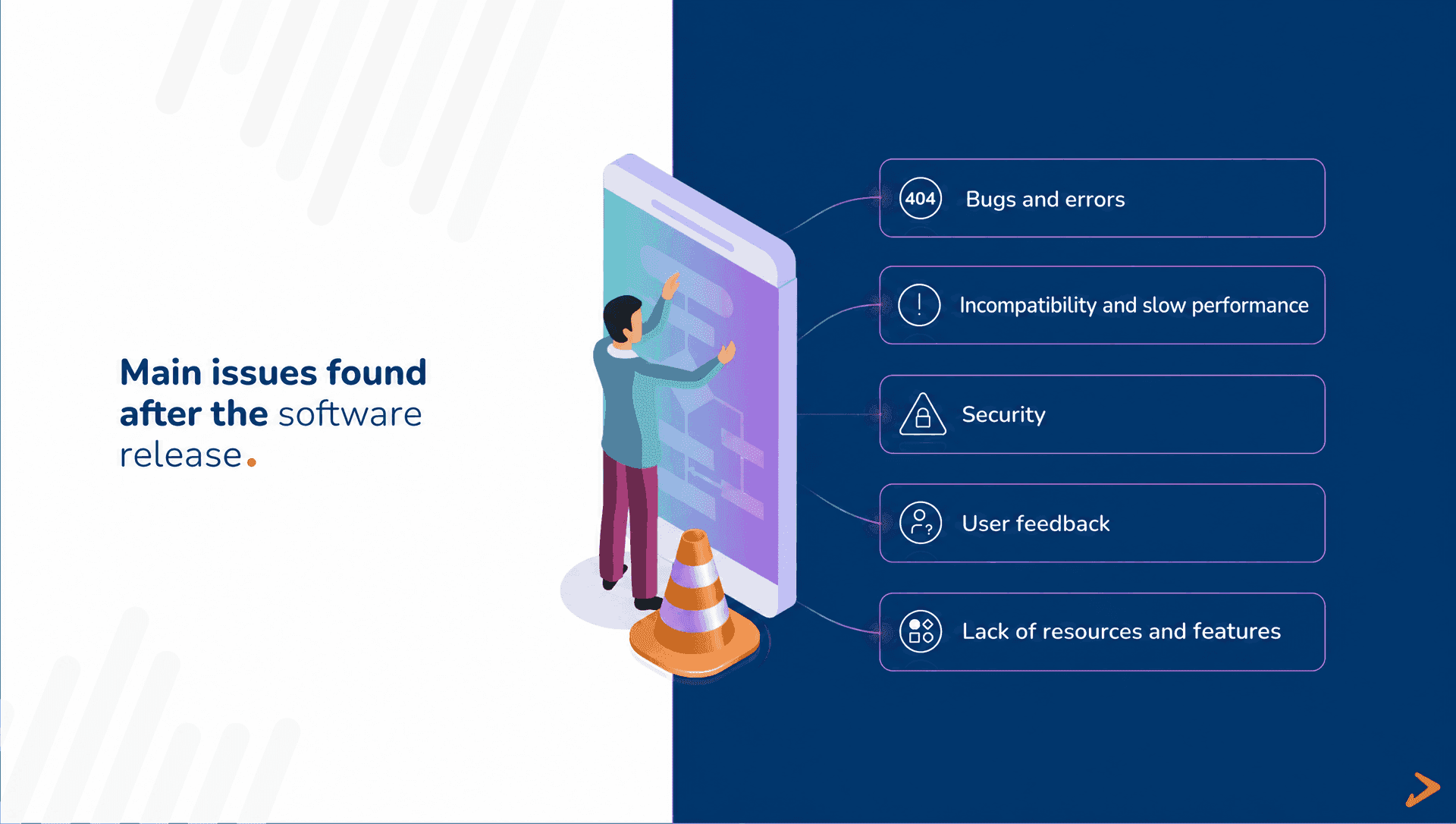
The important part is to understand: this does not mean the project "went wrong". It means the software started being used for real.
2) What a good post-launch routine needs to guarantee
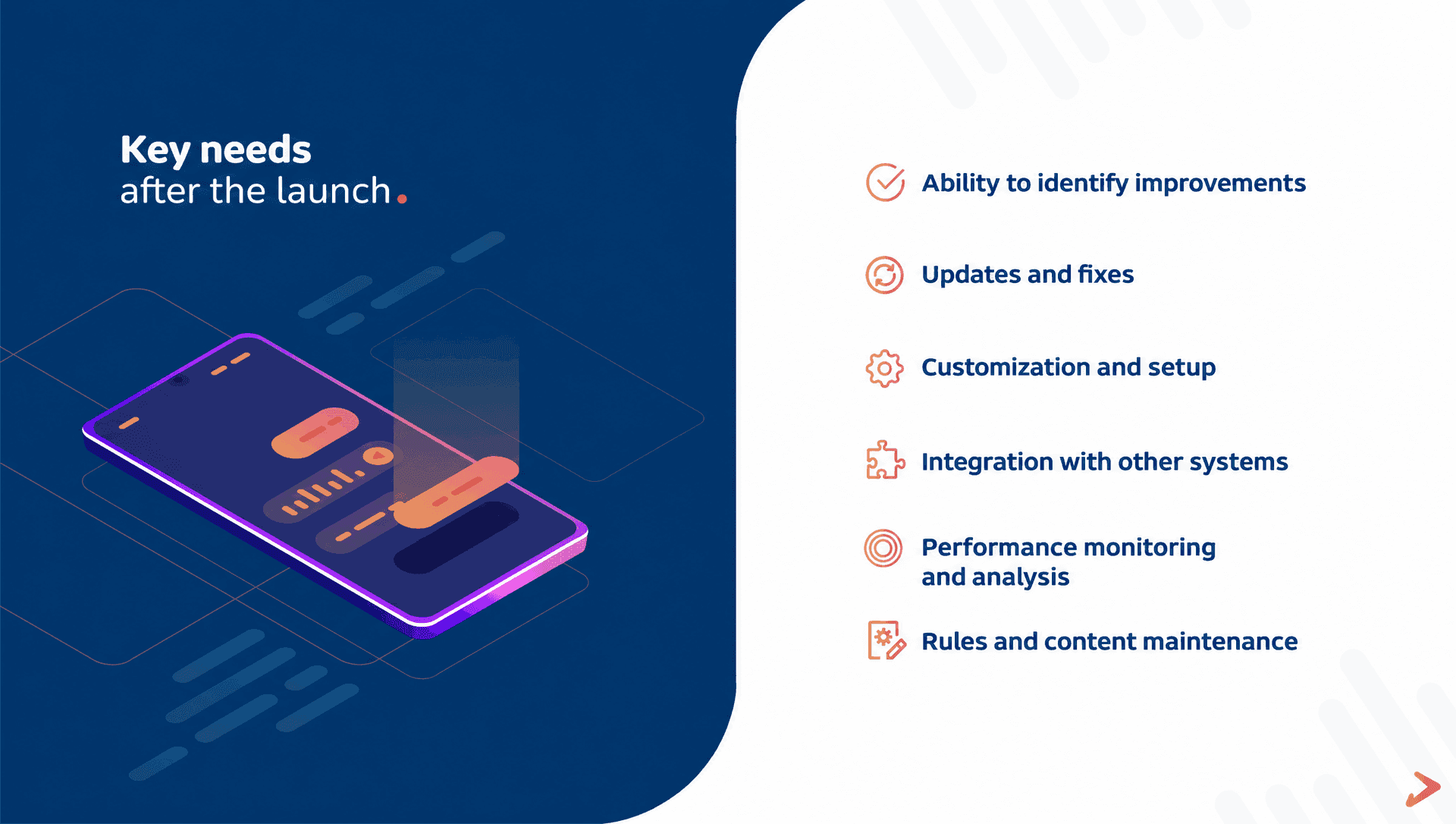
A mature operation mainly needs to guarantee:
- Identifying improvements and prioritizing an evolving backlog
- Fast updates and fixes (without breaking what already works)
- Customization and configuration (business and operational adjustments)
- Integration with other systems (ERP, CRM, payment gateways, BI, etc.)
- Monitoring and performance analysis (to anticipate problems)
- Maintenance of rules and content (tables, parameters, copy, policies)
2.1) Four pillars for a successful post-launch
| Pillar | What it means in practice |
|---|---|
 Support | Triage, service and quick fixes to keep users productive and reduce complaints. |
 Security | Dependency updates, access reviews, vulnerability fixes and compliance. |
 Quality | Tests, validations and an "ok to publish" checklist to avoid regressions. |
 Practicality | Continuous UX and flow improvements to reduce friction and increase conversion/usage. |
3) Flexible scope: how to evolve without losing predictability
After launch, the worst trap is trying to treat evolution as a "fixed project forever".
What works better is keeping a predictable cadence and flexible scope.
Instead of "promising 30 items", you promise:
- a cycle (e.g., biweekly/monthly),
- a capacity (how many hours/points/items fit),
- and a clear priority criterion.
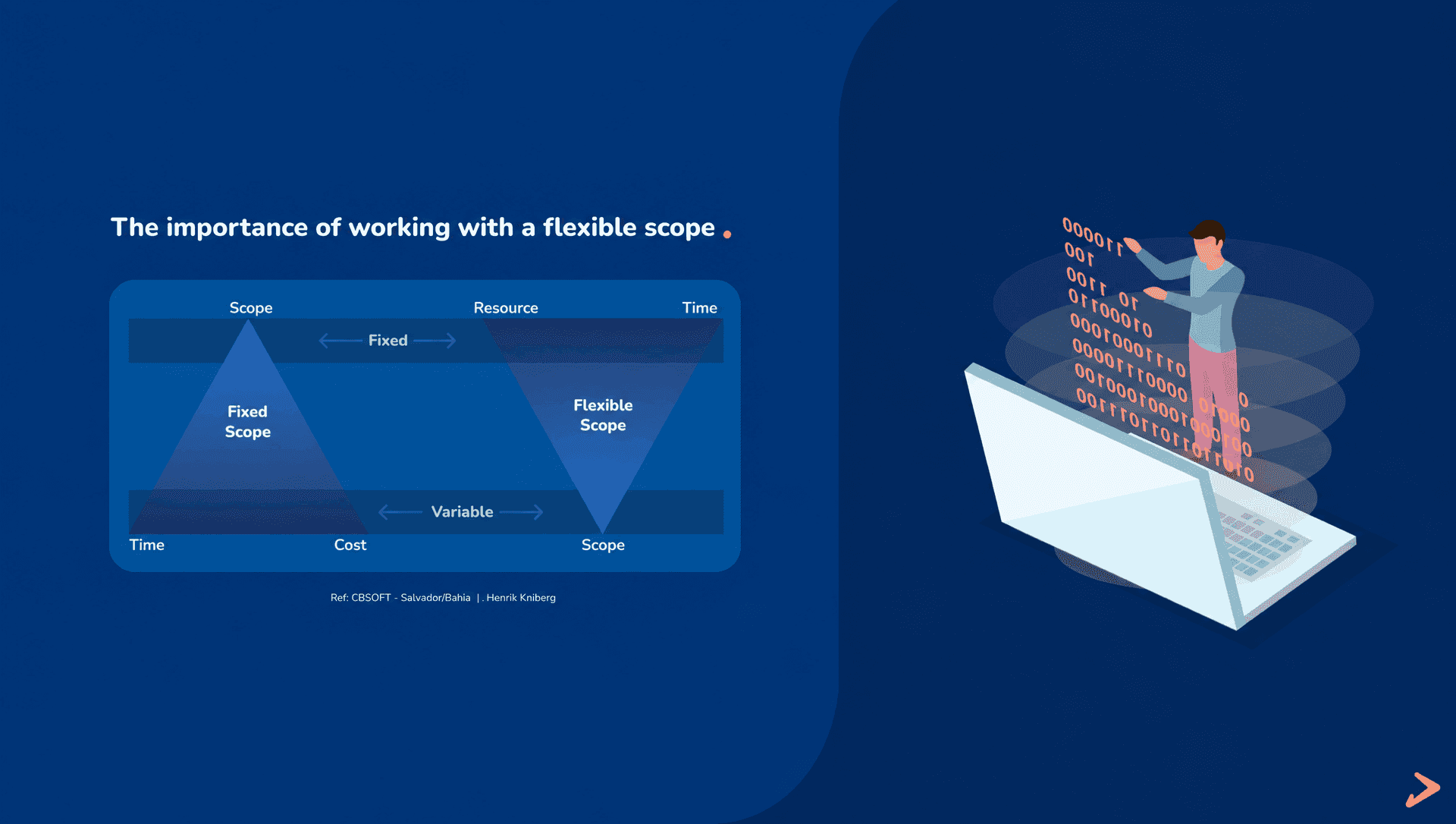
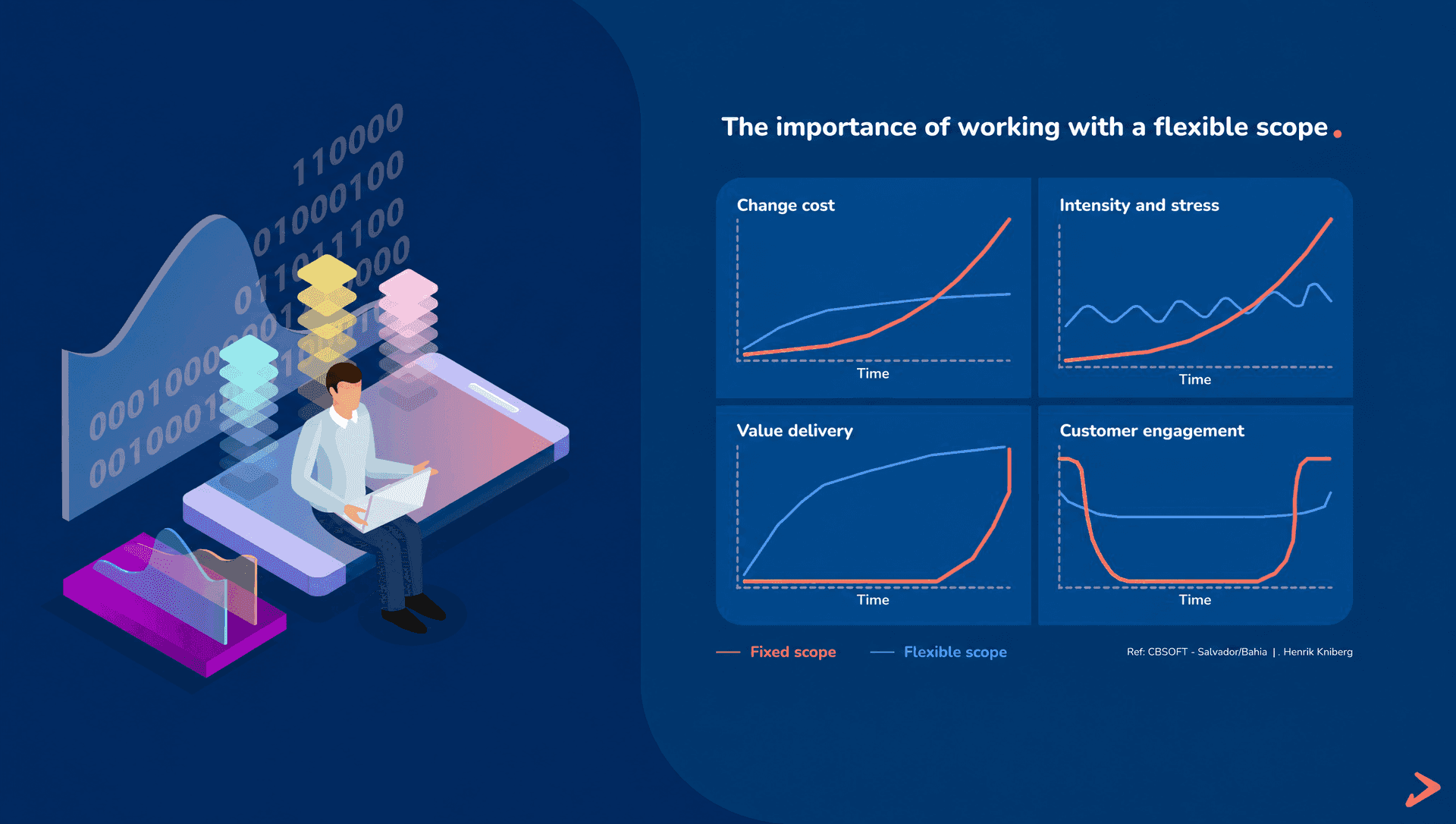
In practice, this reduces frustration because the team stops "guessing deadlines" based on an endless list and starts working at a realistic cadence.
4) The recommended minimum routine (without bureaucracy)
The best way to avoid "putting out fires every day" is to have simple, frequent rituals.
Weekly routine (30 to 60 minutes, with a fixed agenda)
- Support triage: what came in (bugs, questions, requests) and what is urgent.
- Incident review: was there a critical failure? What was done and what remains to prevent it.
- Backlog refinement: review items, remove duplicates, write clear criteria.
- Next release planning: what will go into the next version and why.
Practical tip: if you can only do ONE thing a week, do backlog refinement. It reduces noise and avoids an "endless reshuffling of urgent items".
Monthly routine (1 to 2 hours)
- Review product metrics (usage, conversion, churn, performance, errors).
- Reassess priorities (business impact vs. effort vs. risk).
- Confirm a release cycle for the month (target dates and a fix window).
- Review pending security and compliance items.
Quarterly routine (to keep the product alive)
- Roadmap review (the business's next bets).
- Architecture/infrastructure review (costs, stability, scalability).
- Security review (dependencies, access, policies).
5) How to organize the backlog without it becoming an "endless list"
A good backlog helps you decide. A bad backlog is a "museum of ideas".
Use a simple structure for each item:
- Title: direct (e.g., "Error when completing card payment")
- Type: Bug / Improvement / Feature / Operational adjustment / Security
- Impact: who is affected and how much it hurts (e.g., 30% of users)
- Evidence: screenshot, video, log, ticket link
- Definition of done: how to know it is "ok to publish"
If the item does not have at least "impact" and "definition of done", it is not yet ready to go into the next version.
A simple priority model (for non-specialists)
You do not need a complex methodology. For 90% of cases, a simple score is enough:
- Impact on users/revenue: low / medium / high
- Urgency: now / this week / can wait
- Risk: does it touch login/payment/data? (yes/no)
- Effort: small / medium / large
Rule of thumb: prioritize first what has high impact and low risk. Then high impact and high risk (with more care).
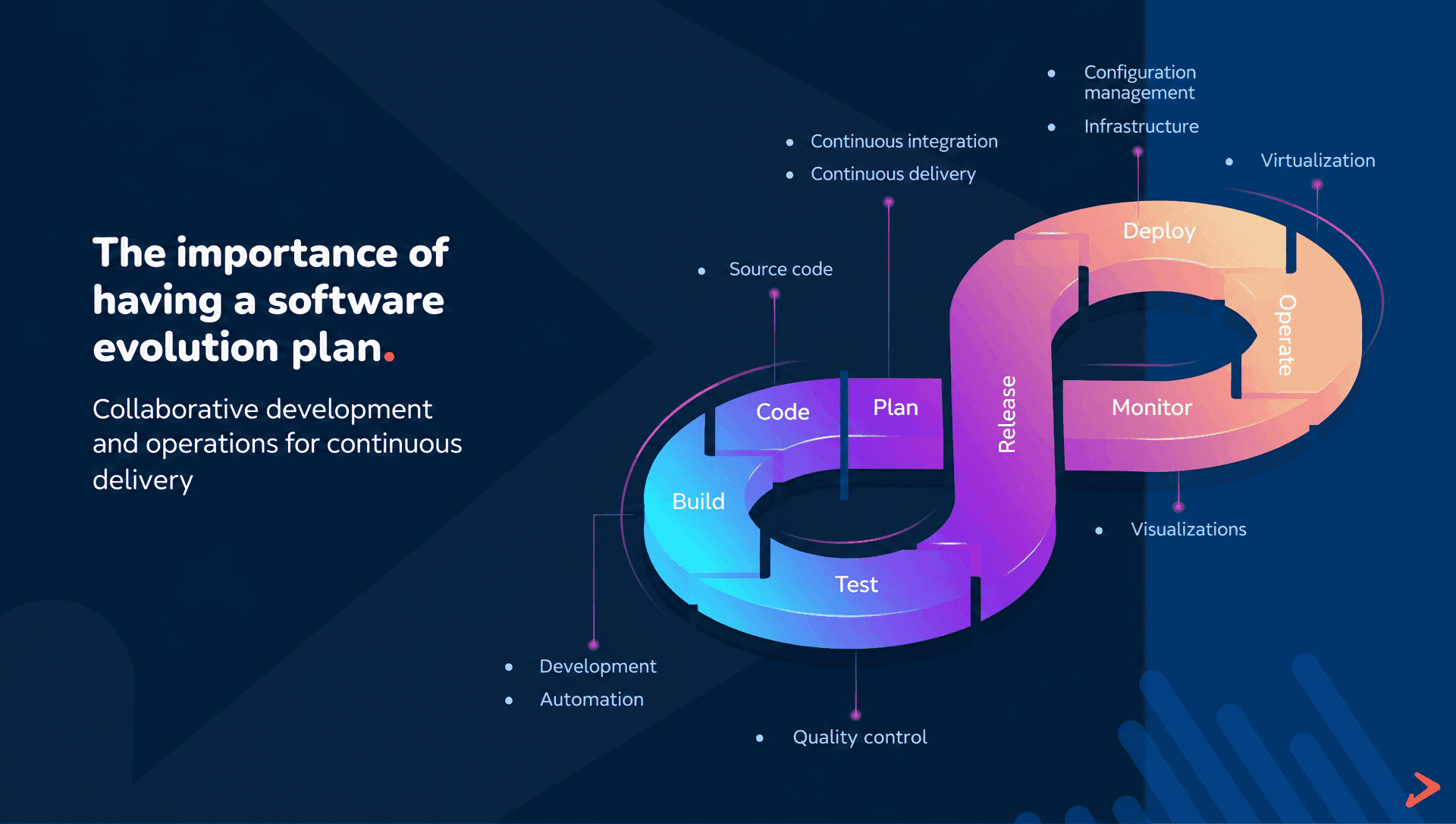
6) Release cycle: how to update with less risk
The biggest pain after launch is publishing updates that create new problems (regressions). The antidote is a predictable cycle.
A simple way to organize it:
| Release type | When to use | Examples |
|---|---|---|
| Hotfix (emergency) | When the product is "breaking" or the risk is high | login down, payment failing, mass crashes |
| Patch (fixes) | Small fixes and adjustments | isolated bugs, screen improvements, rule adjustments |
| Minor (improvements) | Improvements + small features | flow adjustments, new filters, report improvements |
| Major (big change) | Structural changes | large refactoring, journey change, new module |
For mobile apps, it makes a lot of sense to use "phased" publishing, releasing to a percentage of users and increasing gradually (it reduces risk and makes it easier to pause if something goes wrong).
7) Critical fix (incident) policy: what is "truly urgent"
Not every failure is an incident. And when everything is urgent... nothing is urgent.
A simple severity policy helps:
- Sev 1 (Critical): the app does not open, login unavailable, payment broken, data leak, general outage.
- Sev 2 (High): a significant part of the flow is broken (e.g., checkout fails for one payment method), or performance is badly degraded.
- Sev 3 (Medium/Low): a problem with a workaround, a visual error, a copy improvement, a rule adjustment with no immediate impact.
What to do when a Sev 1 happens
- Confirm the impact (how many users? which flow?)
- Assign an owner (one person "leads" the resolution)
- Mitigate fast (rollback, turn off the feature, fix configuration)
- Communicate (internally + users, when applicable)
- Learn (record the cause and the preventive action)
The goal is not to "find someone to blame". It is to keep it from happening again.
8) Communication with users: update without losing trust
Updating is also communicating.
Good (simple) practices:
- Have a clear support channel (and respond predictably).
- Publish release notes (what changed and why).
- For planned maintenance, give notice in advance (when it affects usage).
- In critical incidents, communicate briefly:
"What happened / Impact / What was done / When it returns to normal".
This reduces tickets and protects the product's reputation.
9) "Who decides what goes into the next version?"
The question seems simple, but it is the source of many disputes.
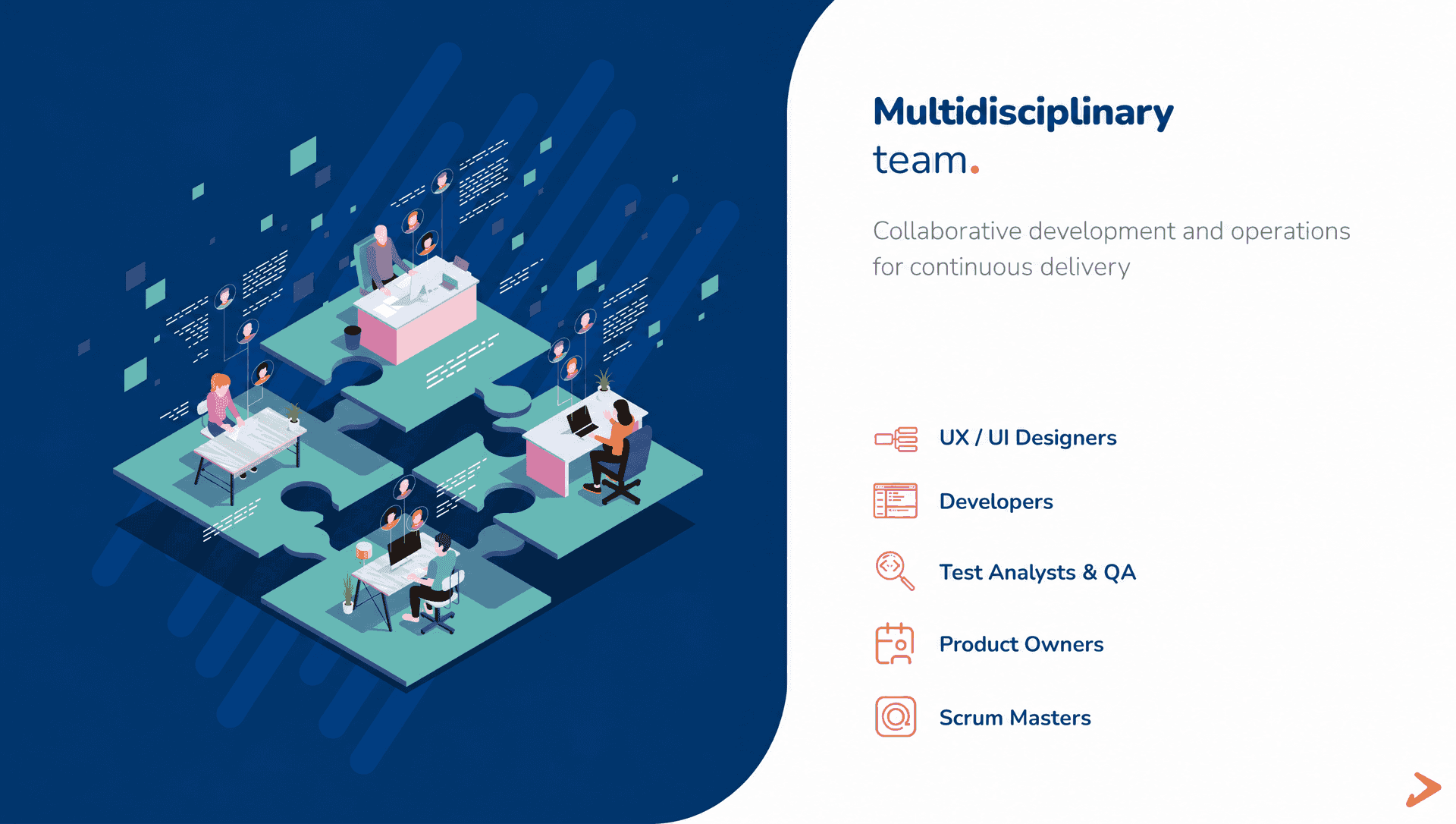
The solution is to define roles and decision rights.
- Sponsor / business owner: defines what is a priority for the business (value).
- Product/Operations (PO or the client's lead): organizes the backlog, writes criteria and ensures alignment.
- Engineering: defines effort, risk, architecture and a safe technical order.
- QA/Quality: validates and prevents regressions (especially in larger releases).
A simple RACI model (to avoid disputes)
| Decision | Sponsor | Product/Operations | Engineering | QA |
|---|---|---|---|---|
| Backlog priority | A | R | C | C |
| What goes into the release | A | R | C | C |
| Technical order and architecture | C | C | A/R | C |
| "Ok to publish" | C | C | R | A/R |
| Communication to users | C | A/R | C | C |
Legend: R = Responsible for executing, A = who approves/decides, C = consulted.
The rule that prevents 80% of the chaos
Assign one person as the "release owner" (point of contact).
This person does not decide everything alone, but:
- centralizes requests;
- keeps the queue organized;
- sets the meeting agenda;
- records decisions;
- and prevents "Frankenstein" versions (everyone adding something on the side).
10) Checklist: "ok to publish" (definition of done)
Before any release, confirm:
- What was done has a validated definition of done.
- The main flow was tested (login, sign-up, payment, etc.).
- There is a rollback plan (when applicable).
- Logs/monitoring are watching what changed.
- Communication is ready (release note / notice / internal checklist).
11) When a continuous operation (DevOps) makes sense
If you have real users (or revenue), post-launch work stops being an "extra" and becomes part of the product.
A continuous operation is especially recommended when:
- the app is a sales/service channel (any instability becomes a loss);
- there are integrations with critical systems;
- the internal team does not have the bandwidth to handle releases, incidents and backlog;
- you need to evolve fast without losing quality.
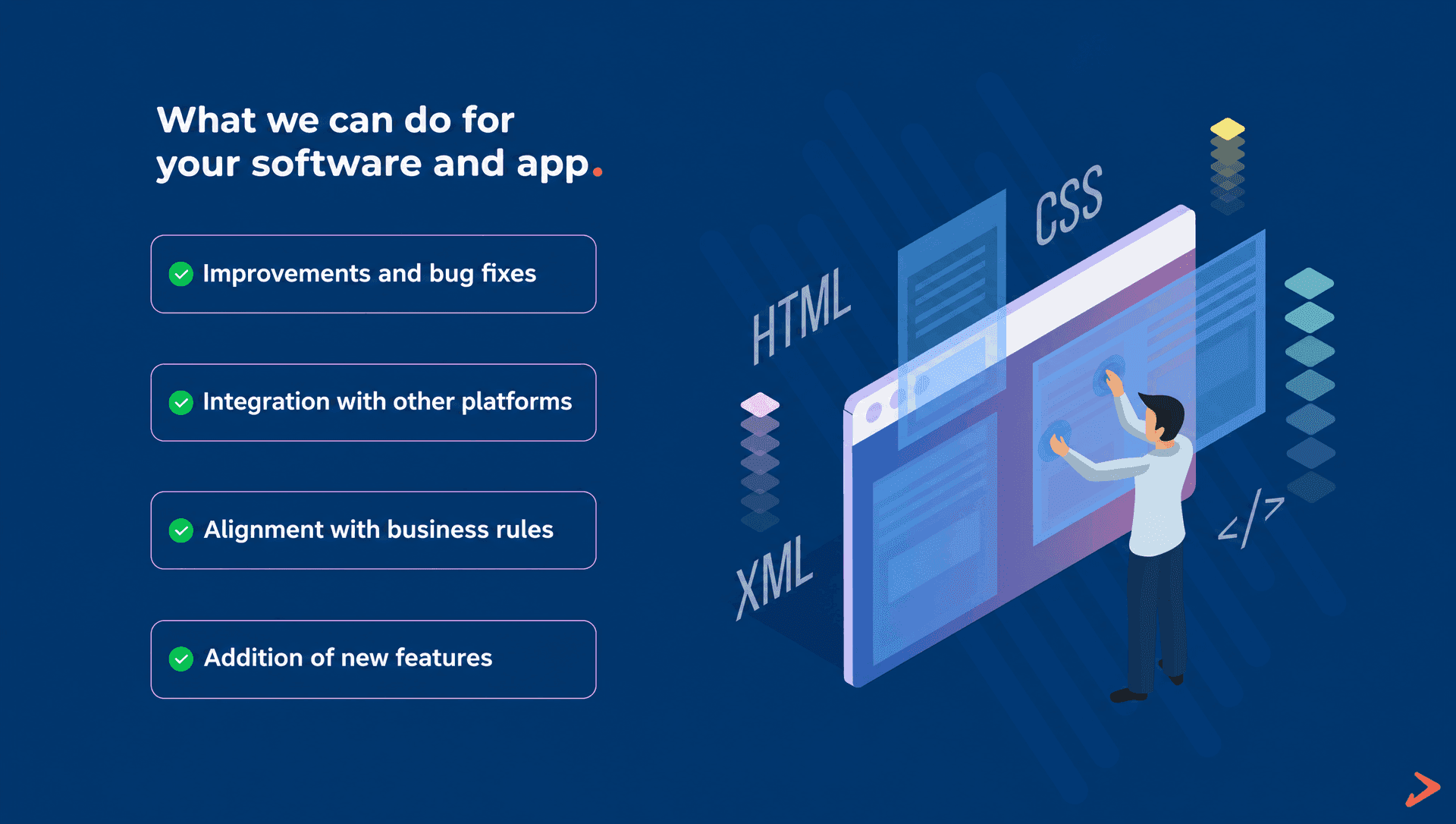
At X-Apps, DevOps Operation exists exactly for this: keeping your software fast, secure and relevant, with cadence and governance (fixes, improvements and observability).
The plan is a monthly budget that defines the capacity and speed of the operation. You can scale it up before an important date and scale it down afterward. In November 2026, the service page lists five tiers:
- Start (R$ 7,000 per month, in Brazilian reais): stability and a healthy product, with continuous fixes, routine releases and monitoring.
- 2x (R$ 14,000 per month): continuous product evolution, with new features, active monitoring and performance.
- 3x (R$ 21,000 per month): more capacity to integrate, with parallel workstreams, integrations and a faster pace.
- 4x (R$ 28,000 per month): critical systems and frequent delivery, with broad coverage, fast response and more governance.
- 5x (custom quote): speed on short deadlines, with a tailored plan and fast scaling.
Plan prices and composition may change. The reference is always the service page.
To see how it works and get in touch: DevOps Operation | X-Apps
Want help structuring your post-launch routine?
If you are at the point of organizing your backlog, release cycle, support and critical fixes, we can help set up a simple, sustainable cadence and run it alongside you.
Visit the DevOps Operation page and get in touch: DevOps Operation | X-Apps